
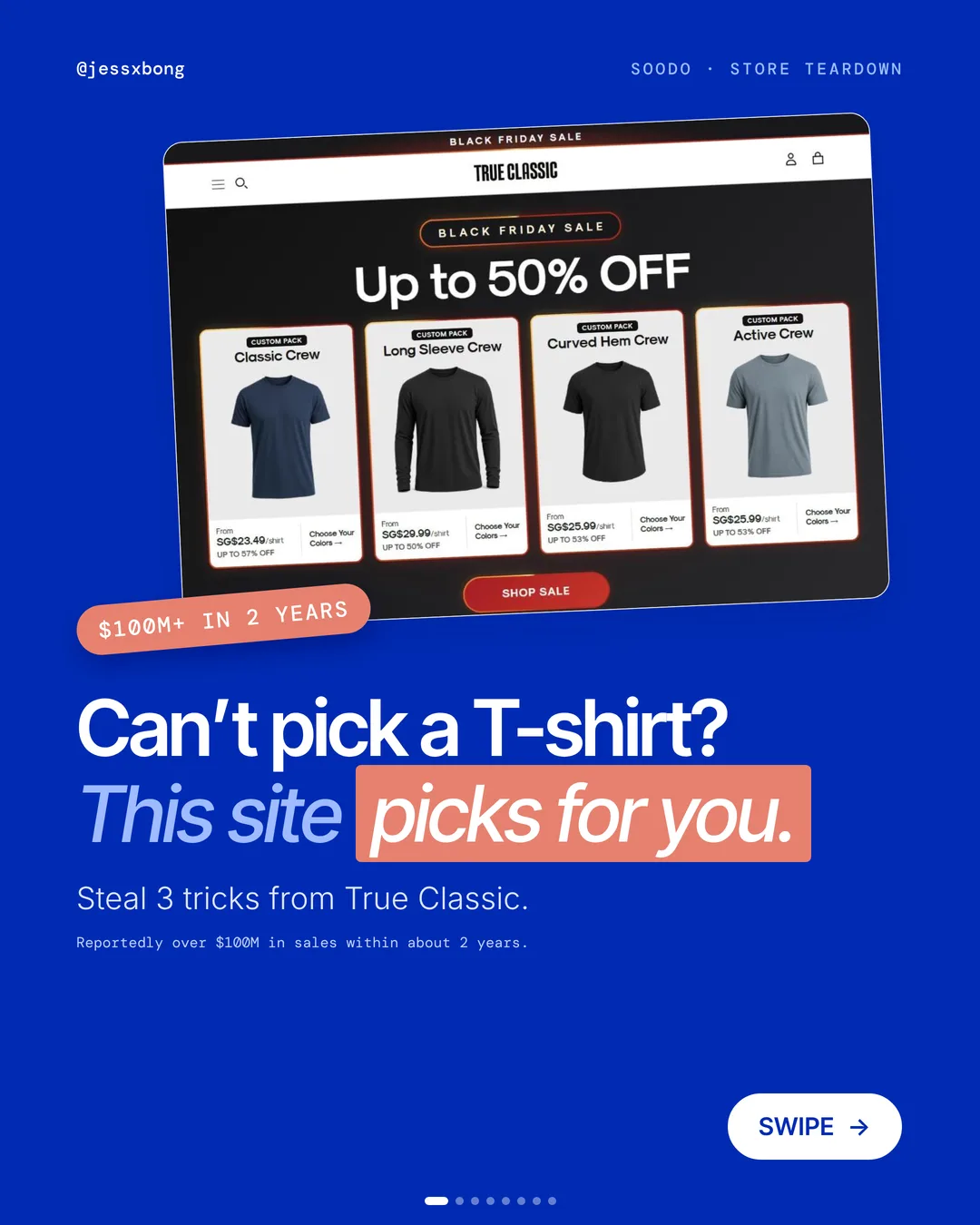
True Classic reportedly made over $100M in sales in about 2 years. It sells T-shirts.
When there are lots of tees to choose from, shoppers get stuck. True Classic's website makes the choice easy.
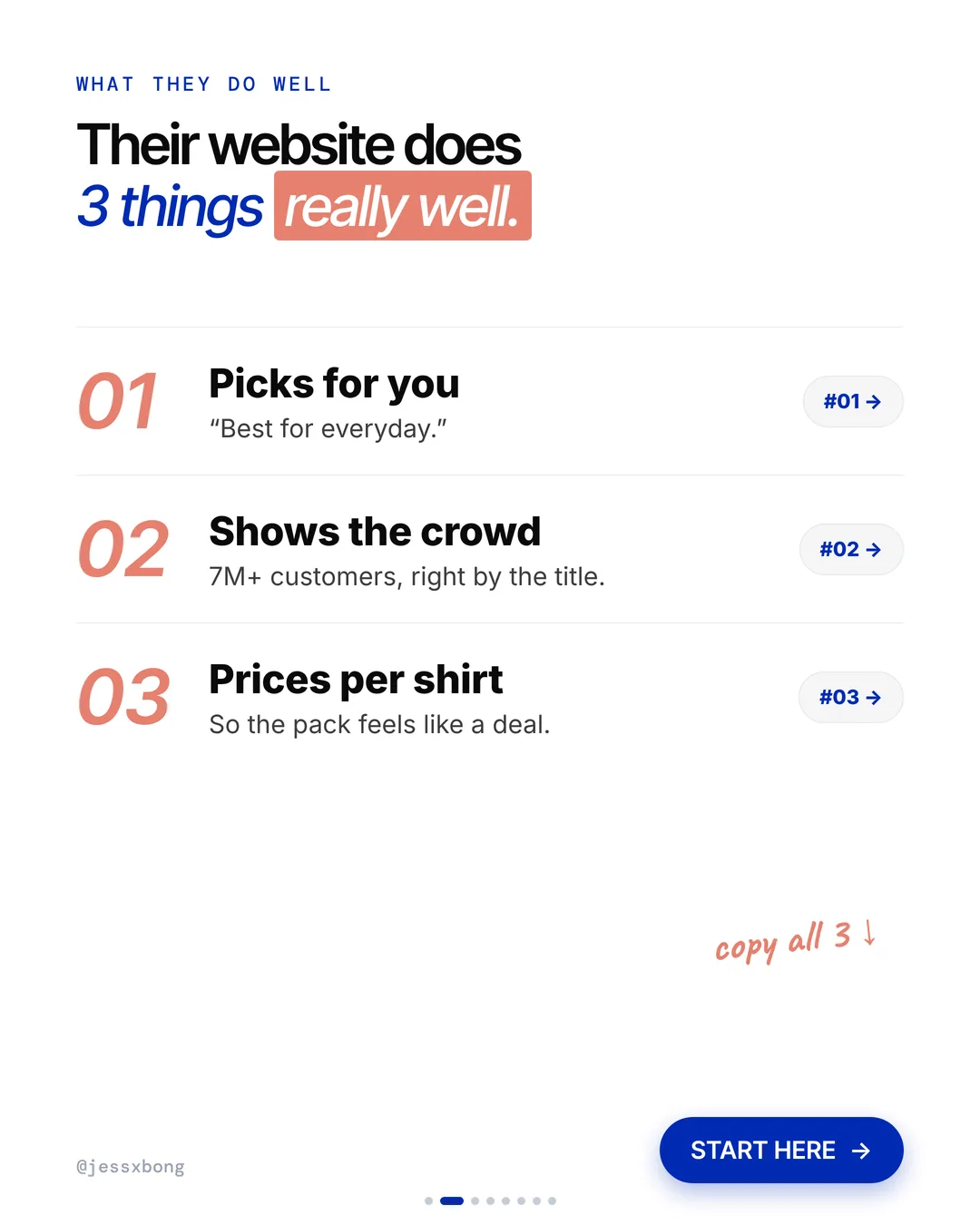
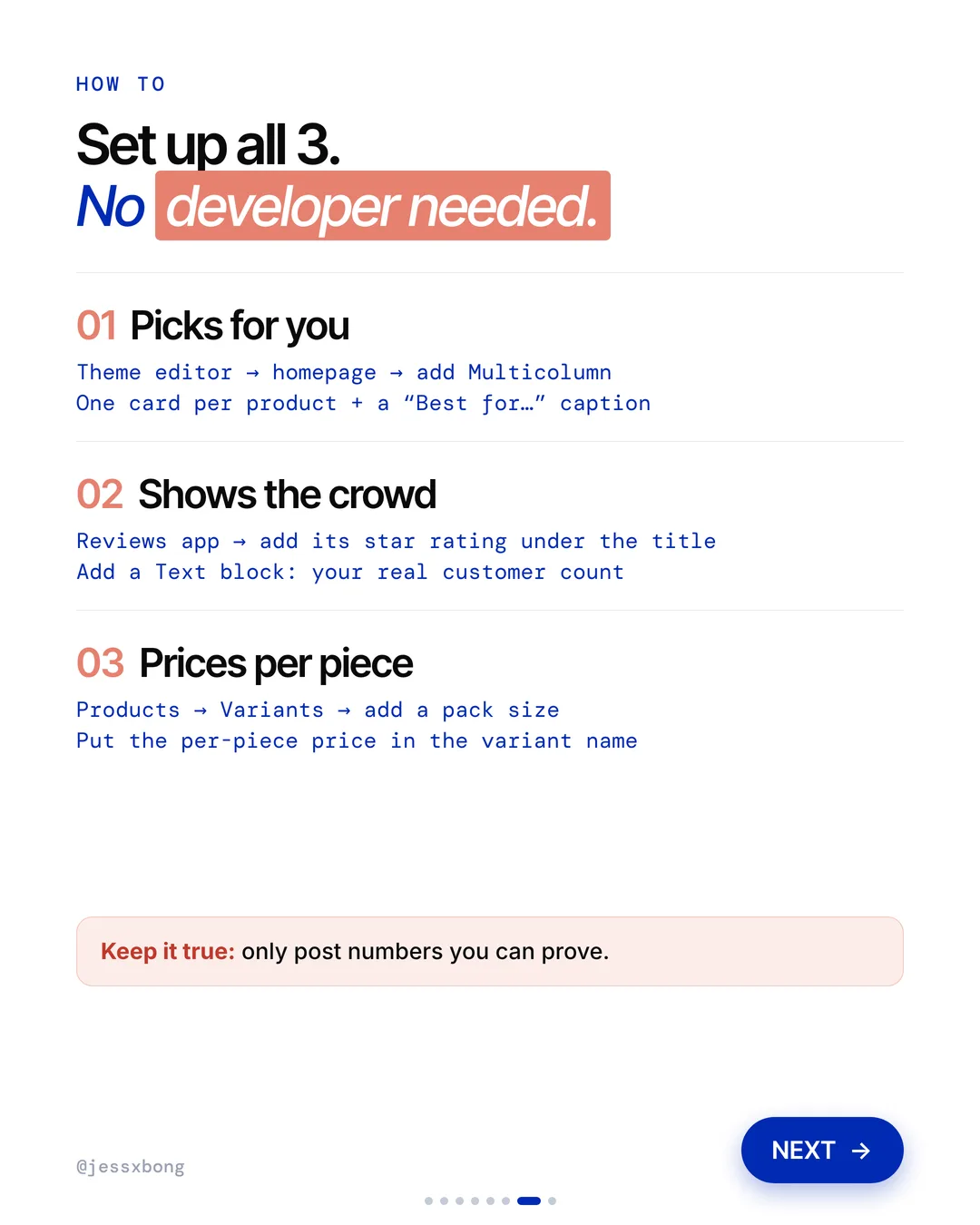
Here are the 3 things it does really well, why they work, and how to copy them on your own Shopify store. No developer needed.
What they do well
- 01Picks for youEach tee says what it is best for.
- 02Shows the crowd"4.5★ (70k) | 7M+ customers | 45M+ shirts sold"
- 03Prices per shirt"From S$23.49/shirt" on every pack.
01 · True Classic
Picks for you
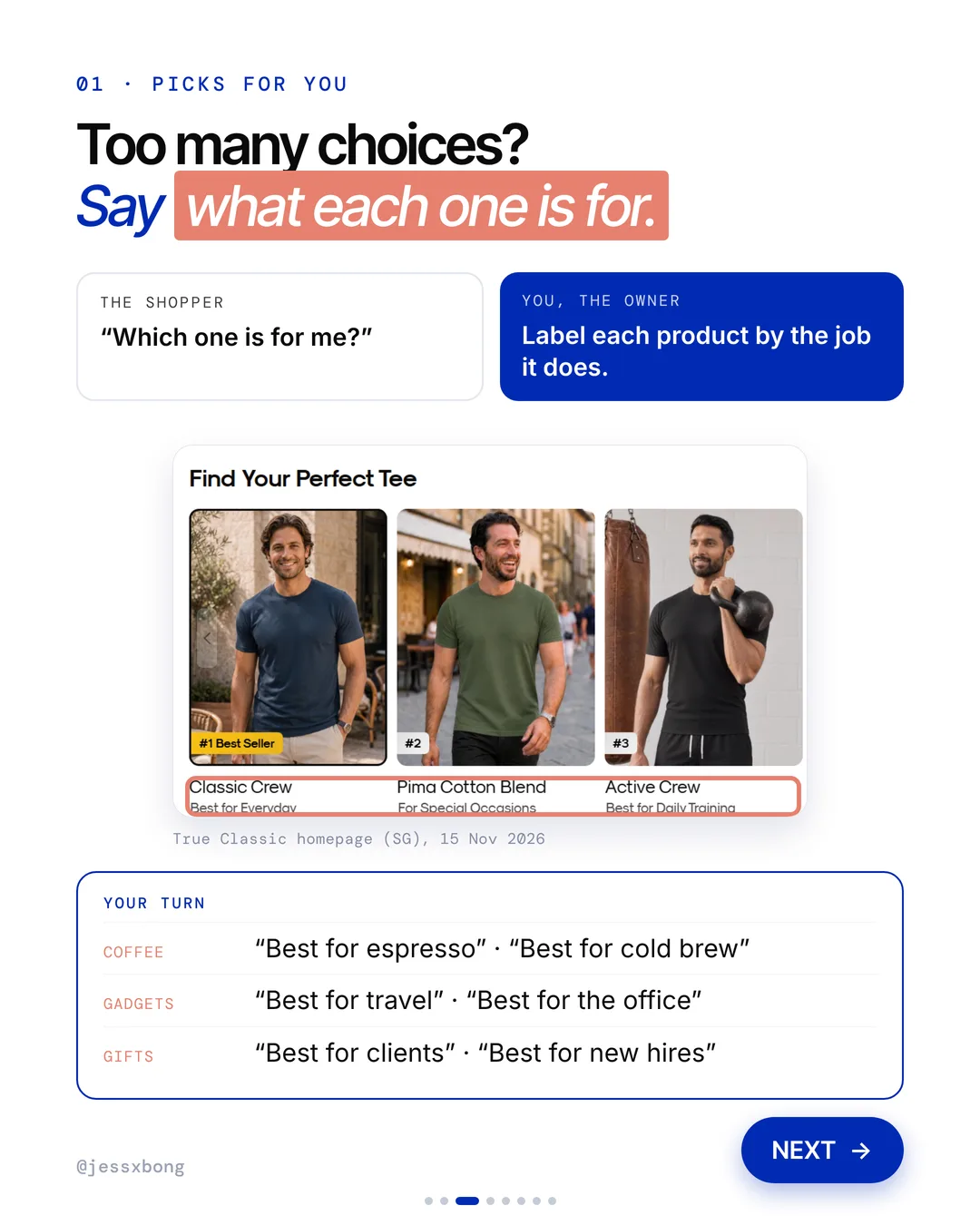
On the homepage, True Classic has a "Find Your Perfect Tee" row, ranked #1 to #5. Each tee says what it is for. Classic Crew is "Best for Everyday". Pima Cotton Blend is "For Special Occasions". Active Crew is "Best for Daily Training".
The row ranks five tees, and every one gets a job. After the first three, Heavy Crew is "Best Utility" and Pocket Crew is "Best Casual Option". Each label is just two or three words.
The ranking helps too. The #1 Best Seller goes first, so a shopper who does not want to think can just take the top pick. A good tip: put your best seller first, and give every other product a label that is clearly different, so no two cards sound the same.
Why it works
"Which one is for me?" Too many choices make people stop. A clear "Best for..." label does the picking for them.
Label each product by the job it does. Shoppers find their pick faster.
Your turn
- Coffee: "Best for espresso", "Best for cold brew"
- Gadgets: "Best for travel", "Best for the office"
- Gifts: "Best for clients", "Best for new hires"
How to do it on Shopify
- In the theme editor, open your homepage.
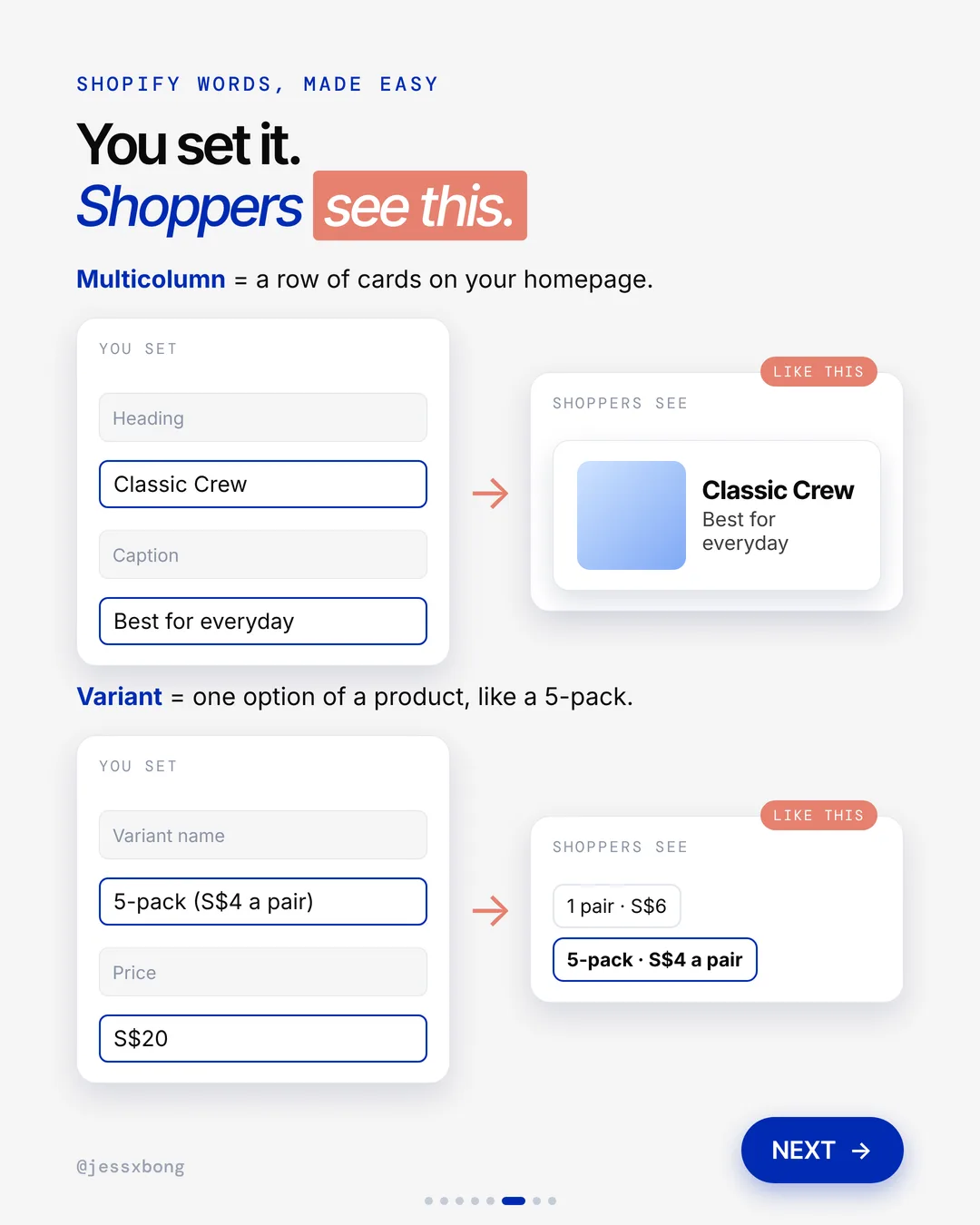
- Add a Multicolumn section. That is a row of cards.
- Add one card per product. Put the product name in the heading.
- Add a "Best for..." caption to each card.
Mistakes to avoid
- Using labels that say nothing, like "Great quality" on every product.
- Giving two products the same job, so the shopper is stuck again.
- Putting so many cards in the row that it is hard to scan.
How to tell it is working. In Analytics, check the views and orders for each product in the row. If both go up and your store conversion rate rises, the labels are helping.
Free checklist
Get the free Shopify Optimization Checklist
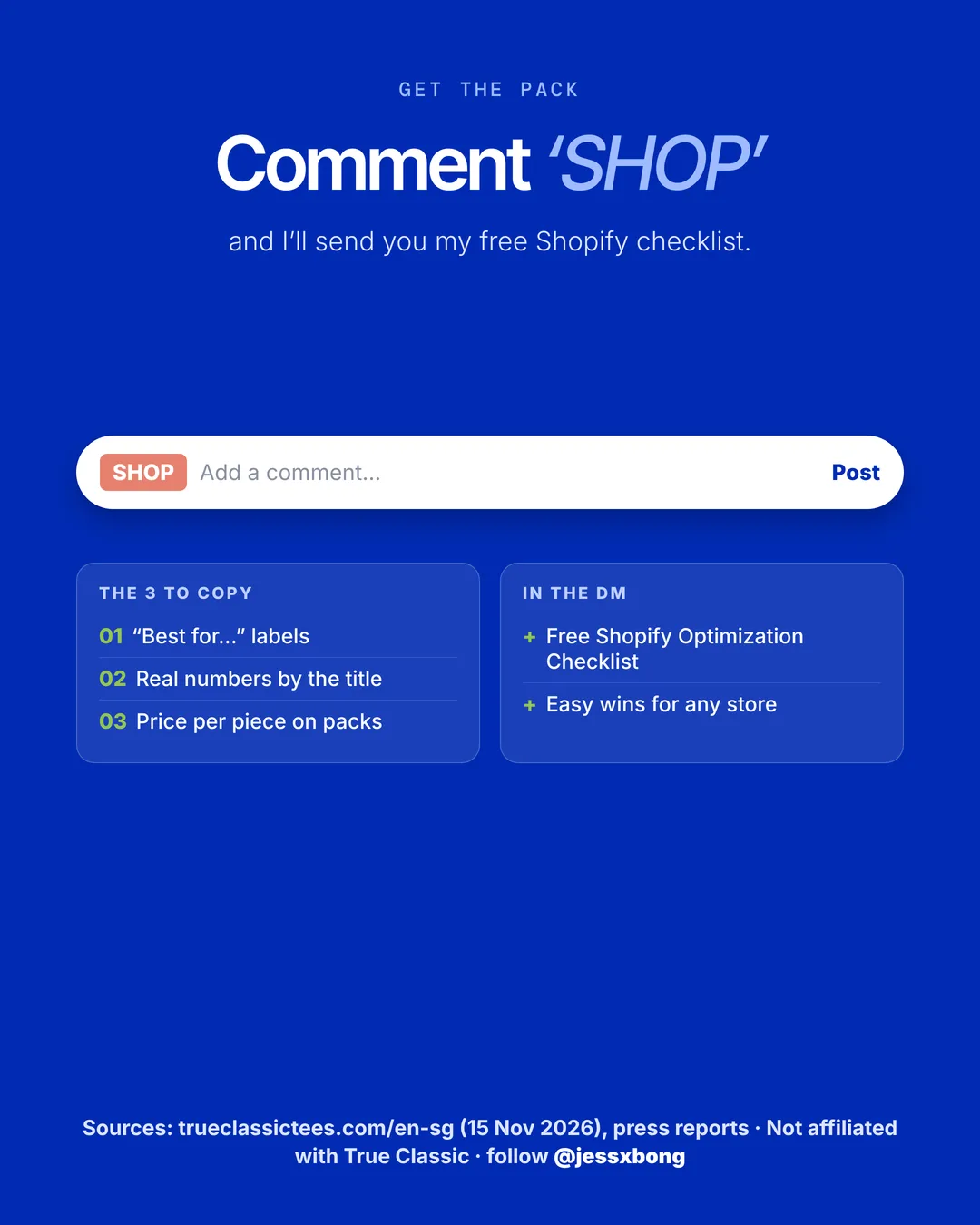
The same checklist people get on Instagram when they comment SHOP. Go through your homepage, product pages, checkout and more, one tick at a time. No developer needed.
02 · True Classic
Shows the crowd
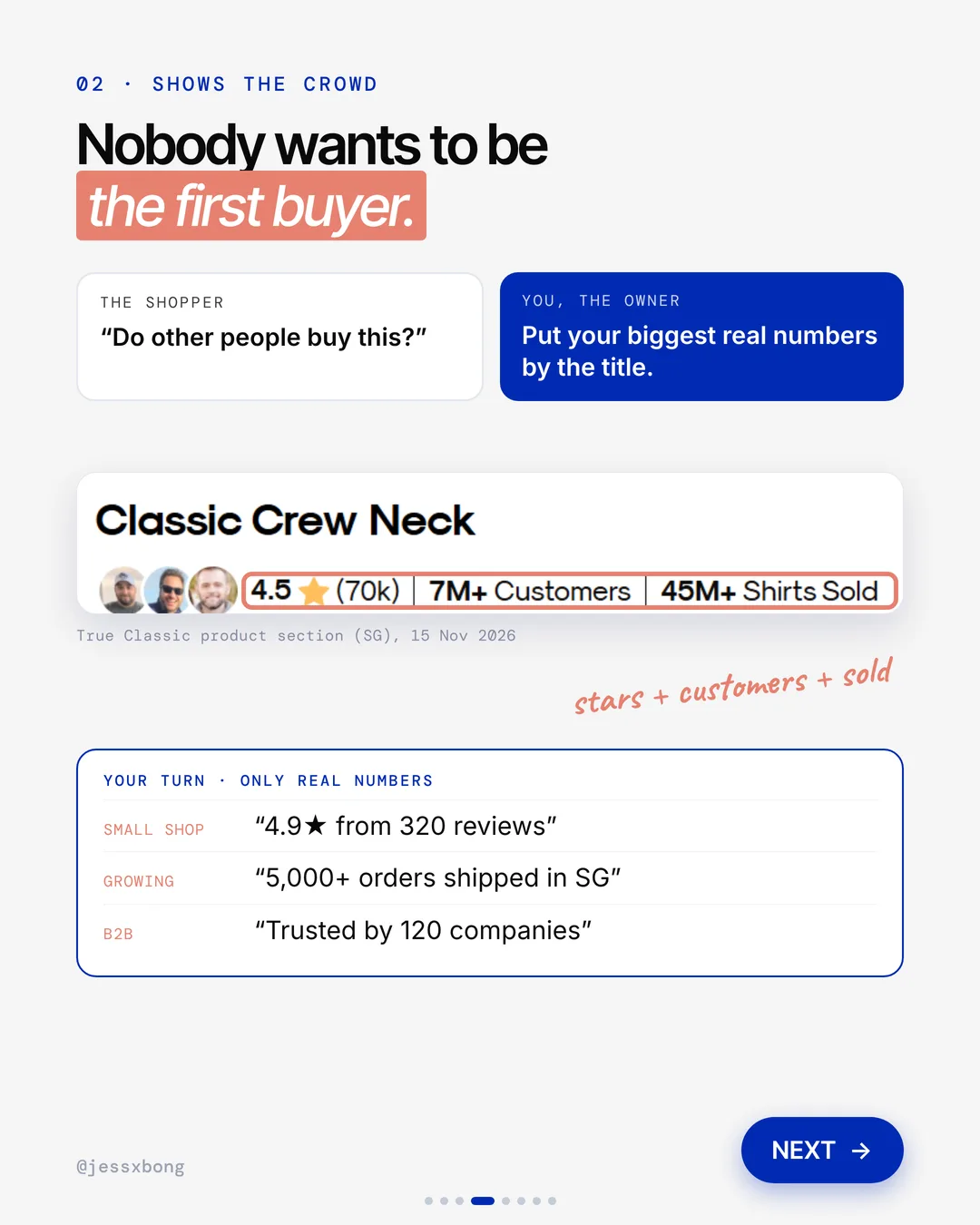
Right under the product title, True Classic shows its biggest numbers: 4.5 stars from 70k reviews, 7M+ customers and 45M+ shirts sold.
True Classic puts three numbers in one short line, split by bars: the star rating with its review count, the customer count and the shirts sold. It sits right under the title. Its page code loads Okendo, a reviews app, to run the reviews.
Advice for your store: a smaller real number still works. "4.9 stars from 320 reviews" builds trust. A good tip is to set a reminder to update your counts every month, so they never look old.
Why it works
"Do other people buy this?" Nobody wants to be the first buyer. Big numbers say lots of people already did.
Put your biggest real numbers by the title. Stars, customers and items sold.
Your turn
- Small shop: "4.9★ from 320 reviews"
- Growing: "5,000+ orders shipped in SG"
- B2B: "Trusted by 120 companies"
How to do it on Shopify
- Add a reviews app from the Shopify App Store.
- In the theme editor, add its star rating under the product title.
- Add a Text block with your real customer count.
- Keep it true. Only post numbers you can prove.
Mistakes to avoid
- Posting numbers you cannot prove, or rounding them up too far.
- Leaving an old count up for months while the real number grows.
- Showing stars with no review count, so shoppers cannot tell if it is 3 reviews or 3,000.
How to tell it is working. In Analytics, compare the product page conversion rate before and after you add the line. Your reviews app's own report also shows how many new reviews you get.
03 · True Classic
Prices per shirt
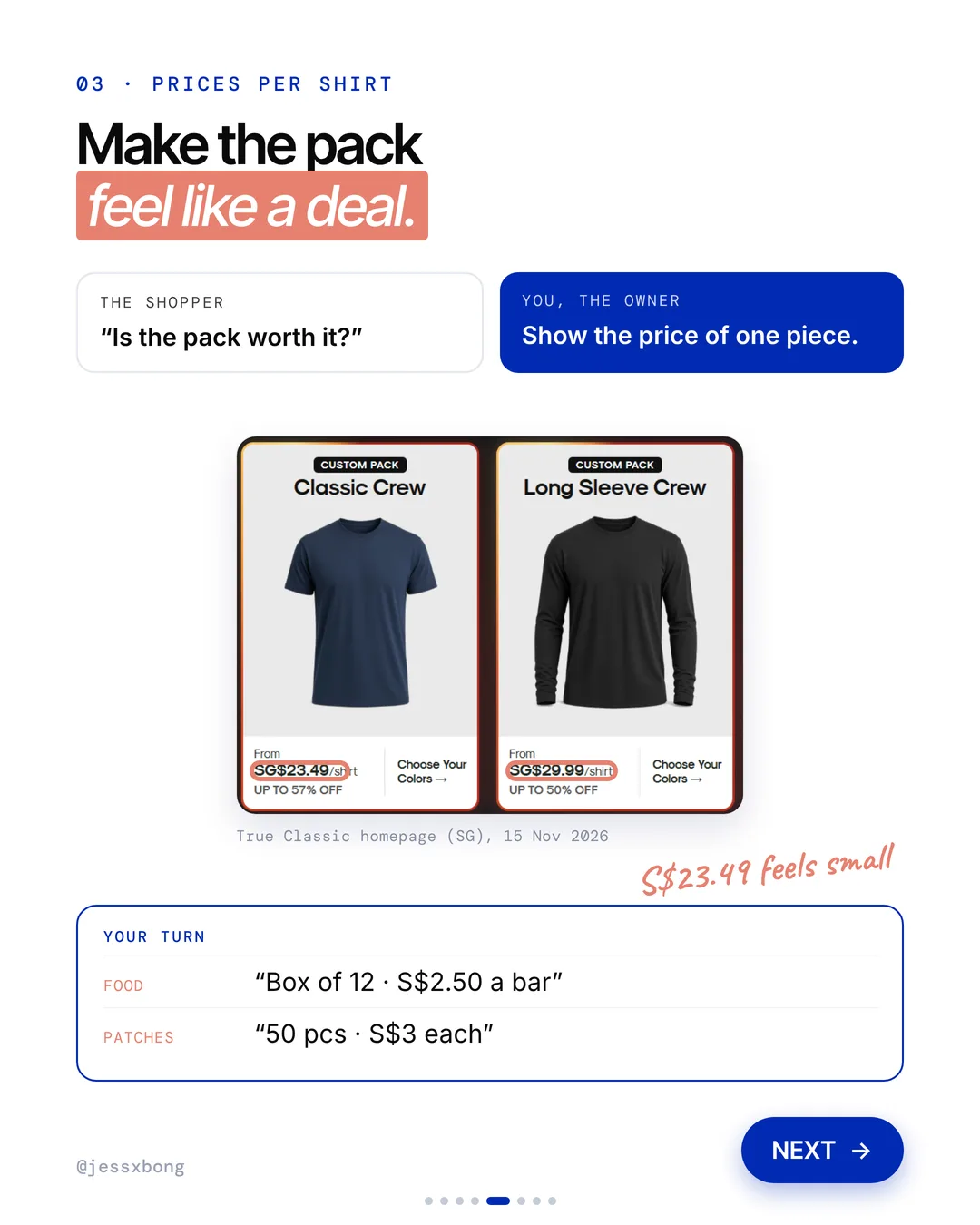
True Classic sells packs, but it shows the price of one shirt. The Classic Crew pack says "From SG$23.49/shirt". The Long Sleeve Crew pack says "From SG$29.99/shirt".
The homepage has a row of custom packs: Classic Crew, Long Sleeve Crew, Curved Hem Crew and Active Crew. Each card shows a "from" price per shirt and a "Choose Your Colors" button. So the shopper builds their own pack, and still sees only the small number.
The per-shirt price moves with each sale. On 16 Nov 2026 the Classic Crew pack showed from SG$25.99 per shirt. A good tip: when your price changes, change the per-piece line on the same day, or it stops being true.
Why it works
"Is the pack worth it?" S$23.49 feels small. The pack suddenly feels like a deal.
Show the price of one piece. Bigger packs are easier to say yes to.
Your turn
- Food: "Box of 12, S$2.50 a bar"
- Patches: "50 pcs, S$3 each"
How to do it on Shopify
- Go to Products and open your product.
- Under Variants, add a pack size, like a 5-pack.
- Put the per-piece price in the variant name, like "5-pack (S$4 a pair)".
- Shoppers then see "1 pair, S$6" next to "5-pack, S$4 a pair".
Mistakes to avoid
- Showing the per-piece price on the pack but not on the single, so shoppers cannot compare.
- Forgetting to update the per-piece price after a sale ends.
- Making a pack that costs the same per piece as buying one, so there is no reason to buy it.
How to tell it is working. In Analytics, watch your average order value. Your sales reports by product also show how many packs sell next to singles.
Do this this week
- Write a "Best for..." line for each of your top 3 to 5 products.
- Add a Multicolumn section to your homepage that shows those products with their labels.
- Install a reviews app and show its star rating right under your product title.
- Add your real customer or order count in a Text block by the title.
- Add a pack size variant and put the per-piece price in its name.
Say what each product is for, show your real numbers, and price packs per piece. That is how you make choosing easy.
Questions
What does True Classic's website do well?
Three things. It labels each tee with what it is best for, it shows "4.5★ (70k) | 7M+ customers | 45M+ shirts sold" by the title, and it prices packs per shirt, like "From SG$23.49/shirt". (Seen on trueclassictees.com/en-sg on 15 Nov 2026.)
How do I show a price per piece for packs on Shopify?
Go to Products, then Variants, and add a pack size. Put the per-piece price in the variant name, like "5-pack (S$4 a pair)". No developer needed.
Can I add "Best for" labels to my Shopify homepage?
Yes. In the theme editor, add a Multicolumn section to your homepage. Add one card per product, with a "Best for..." caption on each.
Does True Classic use Shopify?
Yes. True Classic's website runs on Shopify. (Checked in trueclassictees.com's page source on 16 Nov 2026.)
Which reviews app does True Classic use?
Its product page code loads Okendo, a reviews app you can find on the Shopify App Store. (Checked on 16 Nov 2026.)