
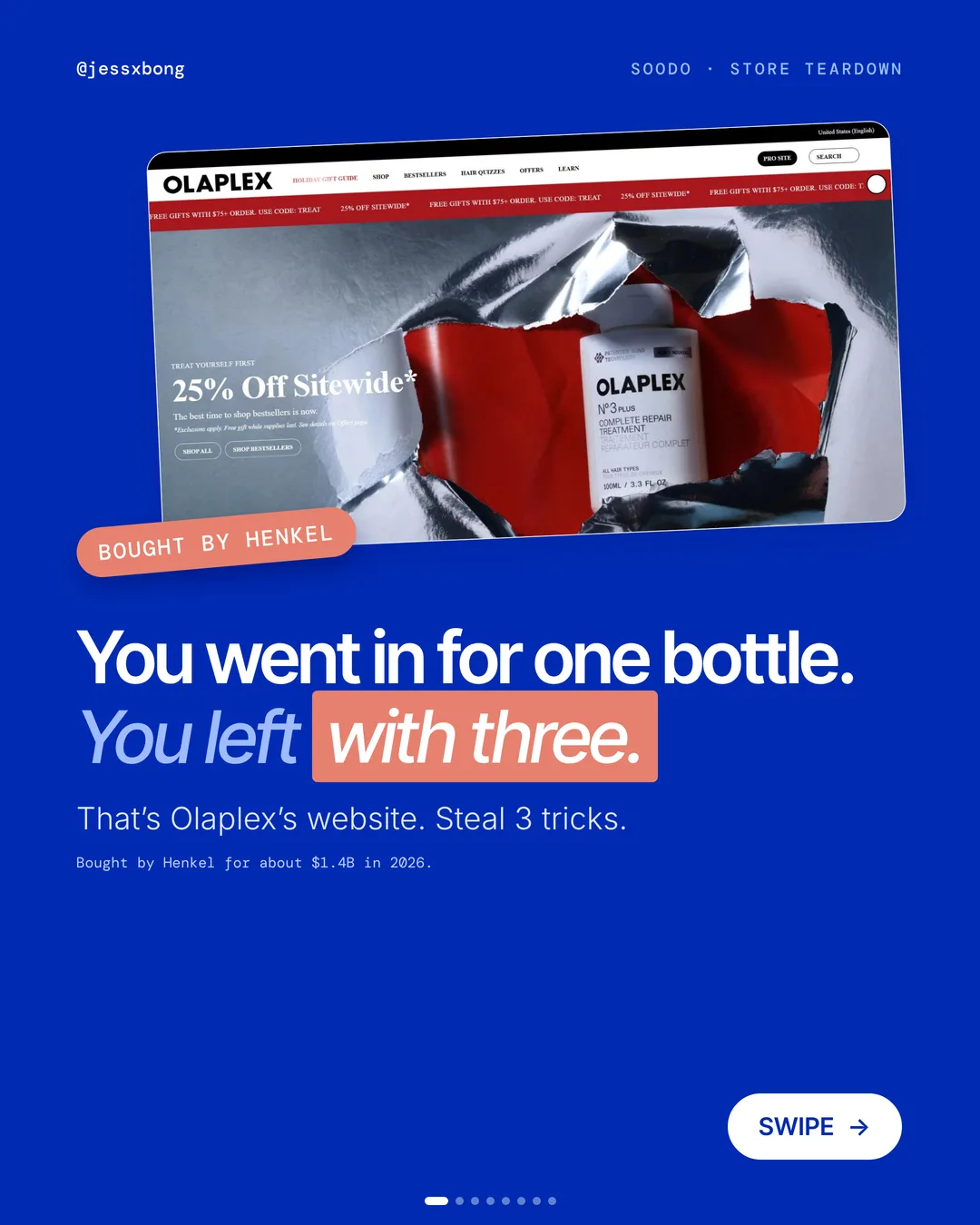
Henkel bought Olaplex this year, and its website runs on Shopify.
Most shoppers go to Olaplex for one bottle. Many leave with three. That is not luck. The website is set up to help people buy the full routine.
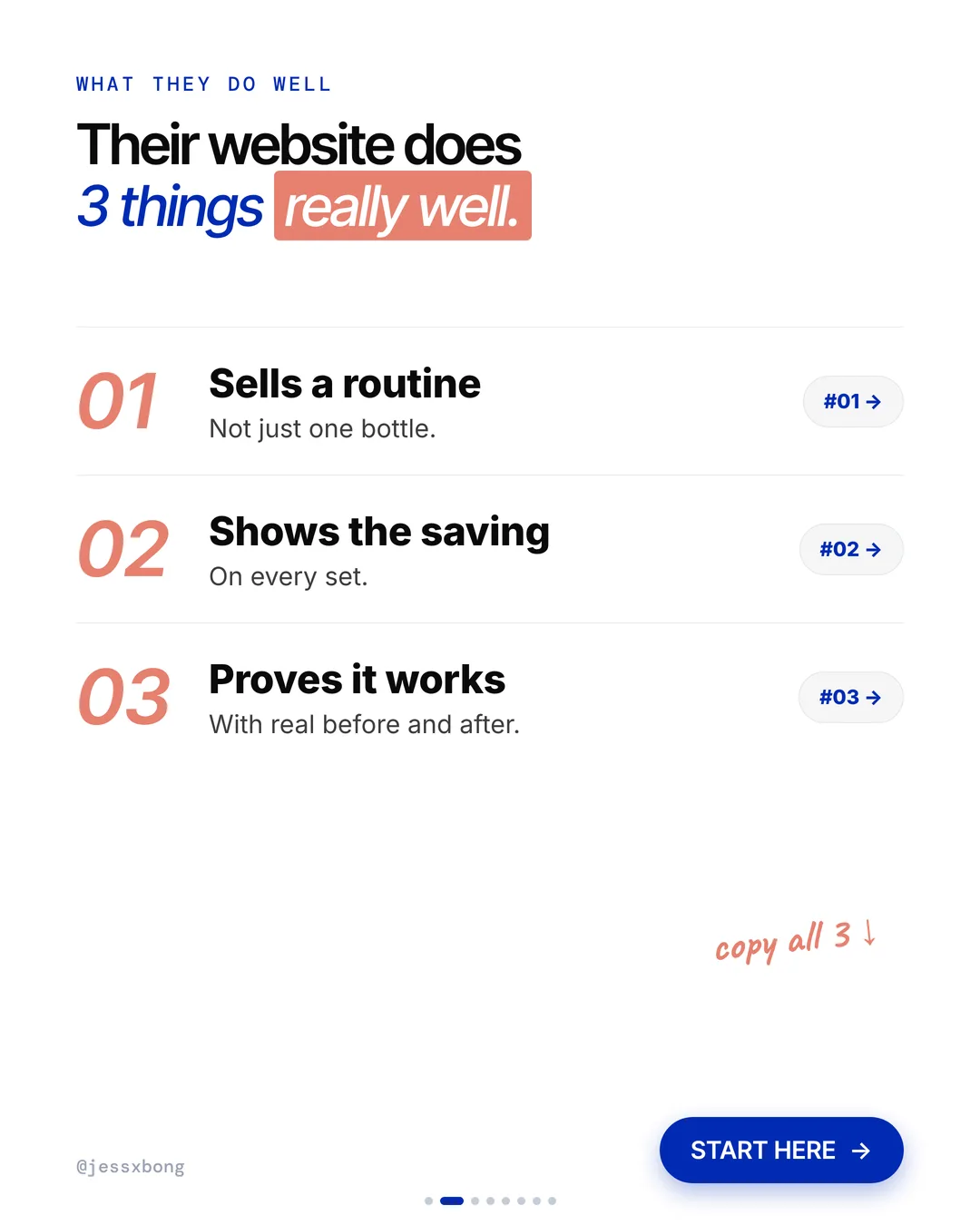
Here are the 3 things it does really well, why they work, and how to copy them on your own Shopify store.
What they do well
- 01Sells a routine, not one bottleEvery product page shows a "Recommended Routine".
- 02Shows the saving"$63 ($70 value)" on every set.
- 03Proves it worksReal before and after photos, labelled "unretouched".
01 · Olaplex
Sells a routine, not one bottle
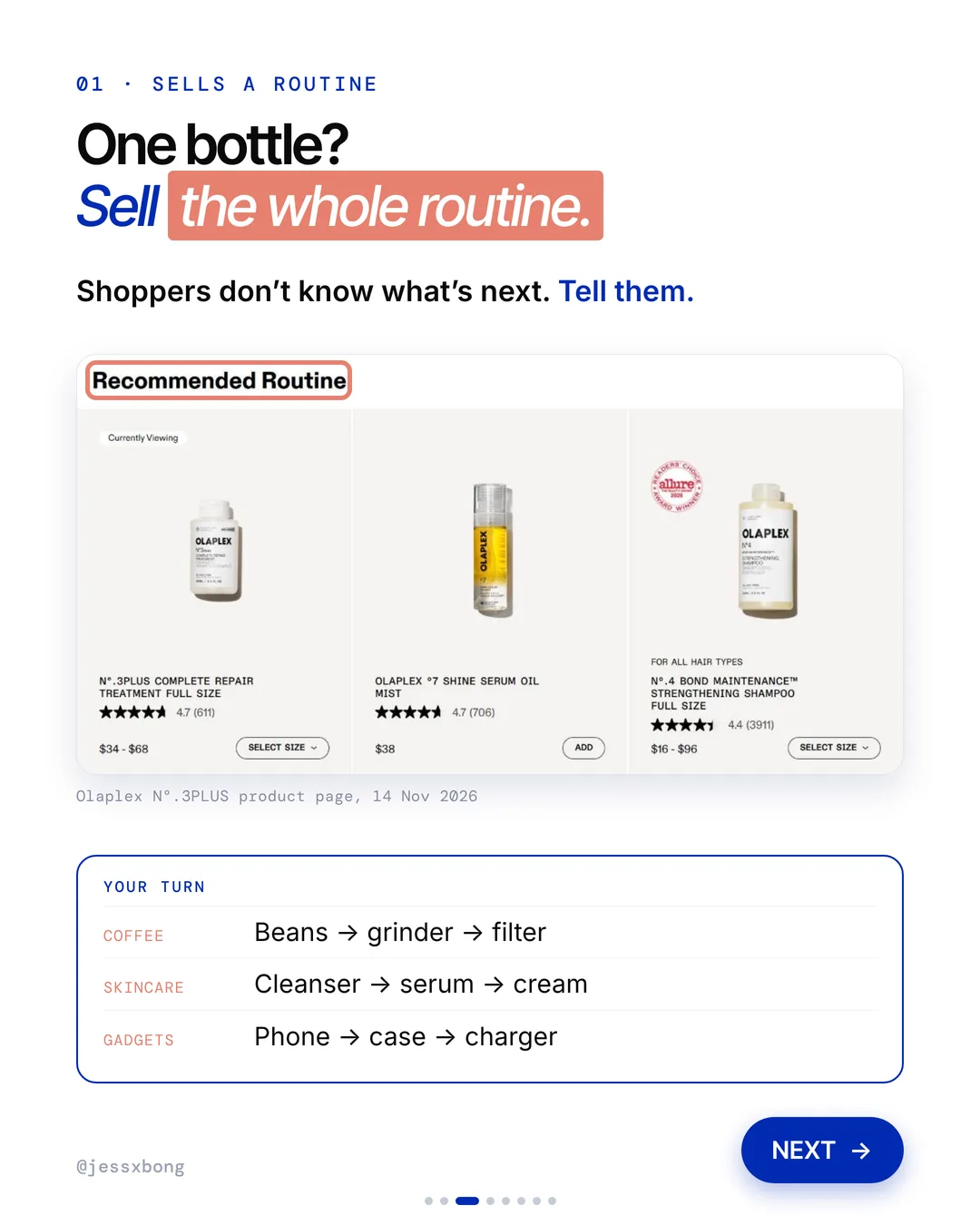
On every product page, Olaplex shows a "Recommended Routine". It is a short row of the products that go with the one you are looking at, each with its own Add button.
Look at the N°.3PLUS treatment page. The Recommended Routine row shows the treatment, then the º7 Shine Serum Oil Mist, the Nº.4 shampoo and the Nº.5 conditioner. Each card has its star rating, its price and its own button. Shoppers can add the next step without leaving the page.
Keep your routine short, with 2 to 4 products in the order people use them. A row of 10 random products feels like an ad. A clear order feels like help.
Why it works
"What do I use next?" Most shoppers don't know. The routine tells them, so they don't have to guess.
One bottle becomes two or three. Bigger orders, from people who were already buying.
Your turn
- Coffee: beans, then grinder, then filter
- Skincare: cleanser, then serum, then cream
- Gadgets: phone, then case, then charger
How to do it on Shopify
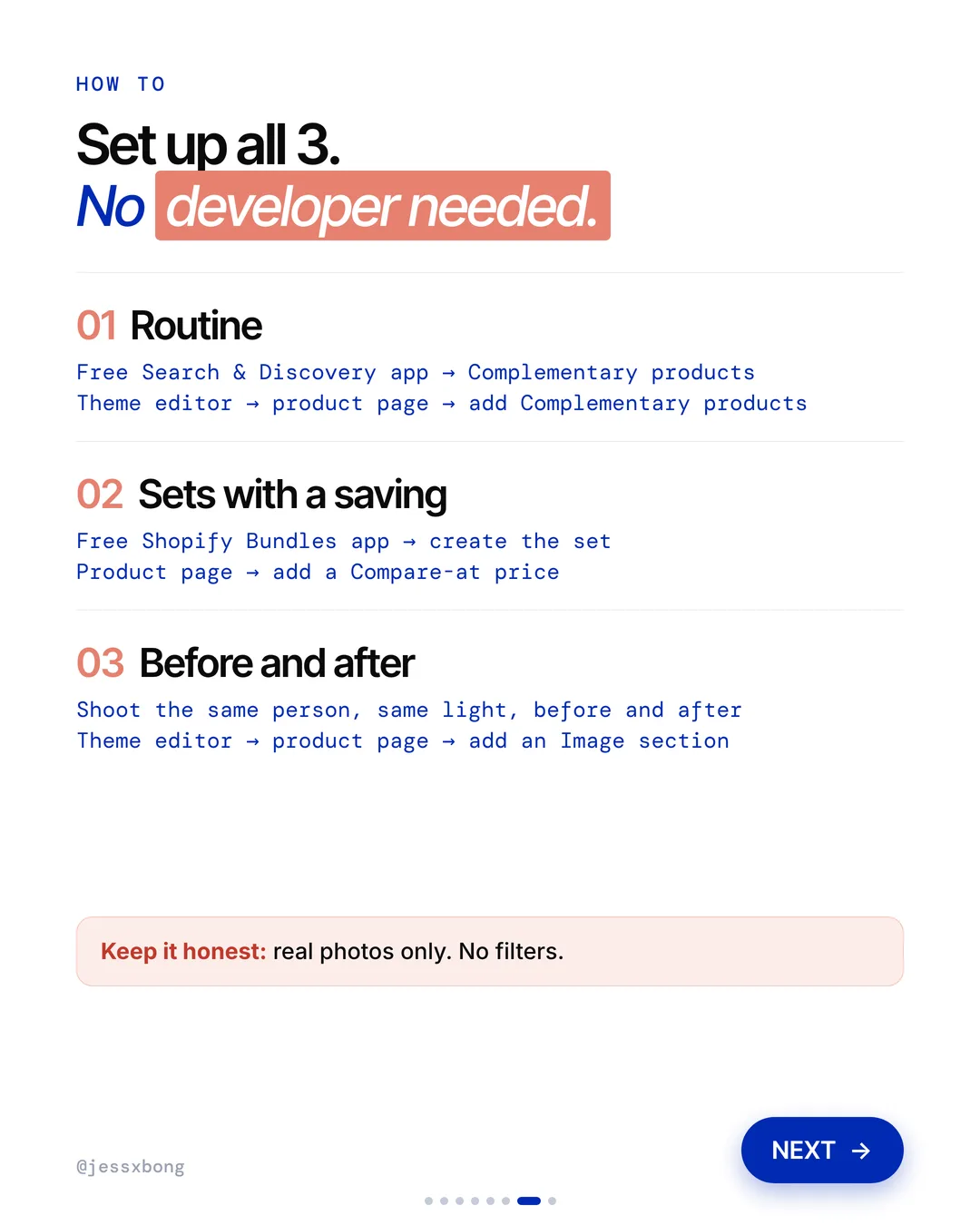
- Add the free Search & Discovery app from Shopify.
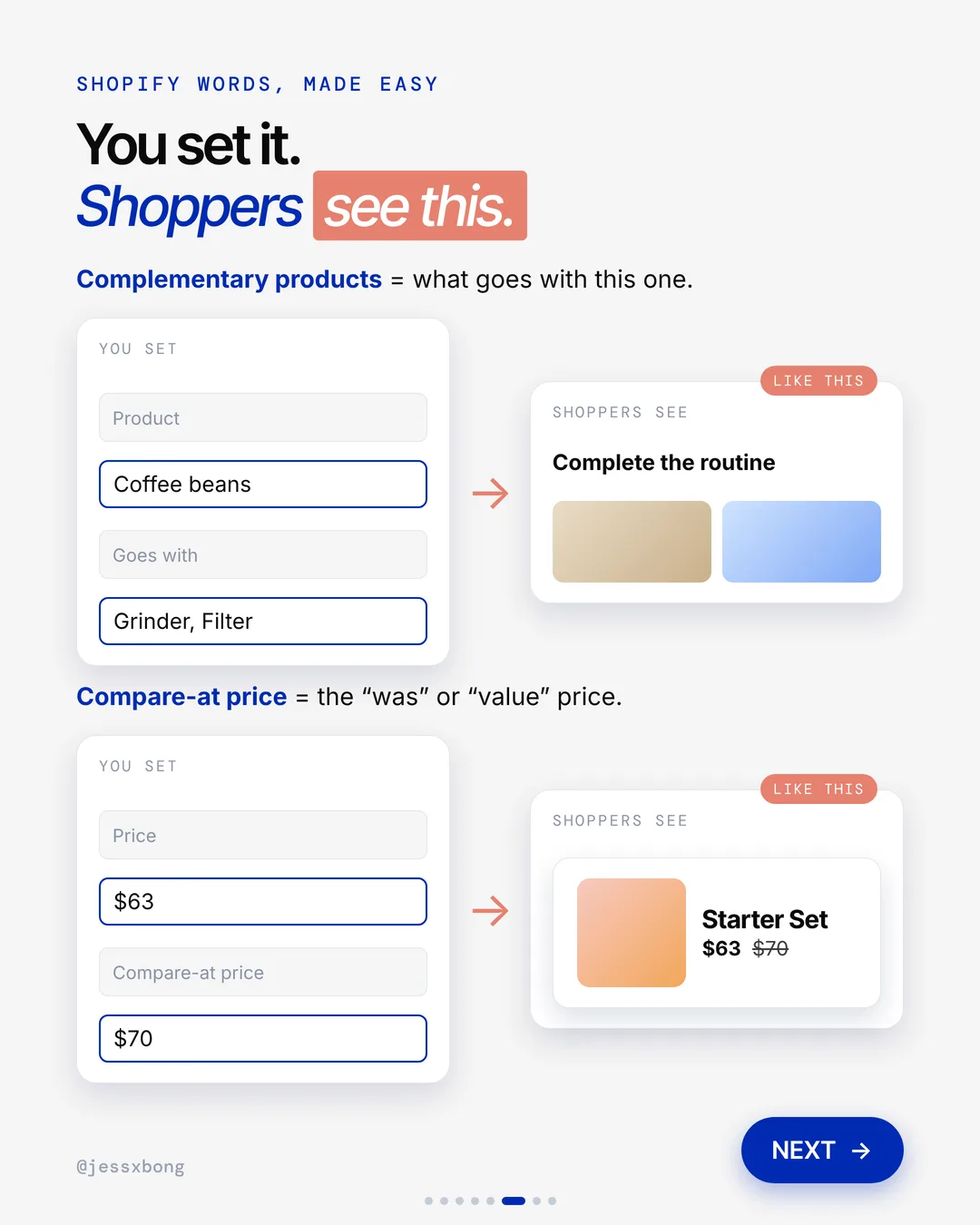
- In the app, open a product and choose its Complementary products. That just means "what goes with this one".
- In the theme editor, open your product page and add the Complementary products block.
- Give it a clear name, like "Complete the routine".
Mistakes to avoid
- Showing random best sellers instead of products that really go together.
- Listing so many products that the row feels like an ad.
- Leaving the default title, so shoppers don't see it as a routine.
How to tell it is working. Watch your average order value in Analytics, before and after you add the routine. Also check your sales by product report to see if the routine products sell more often.
Free checklist
Get the free Shopify Optimization Checklist
The same checklist people get on Instagram when they comment SHOP. Go through your homepage, product pages, checkout and more, one tick at a time. No developer needed.
02 · Olaplex
Shows the saving
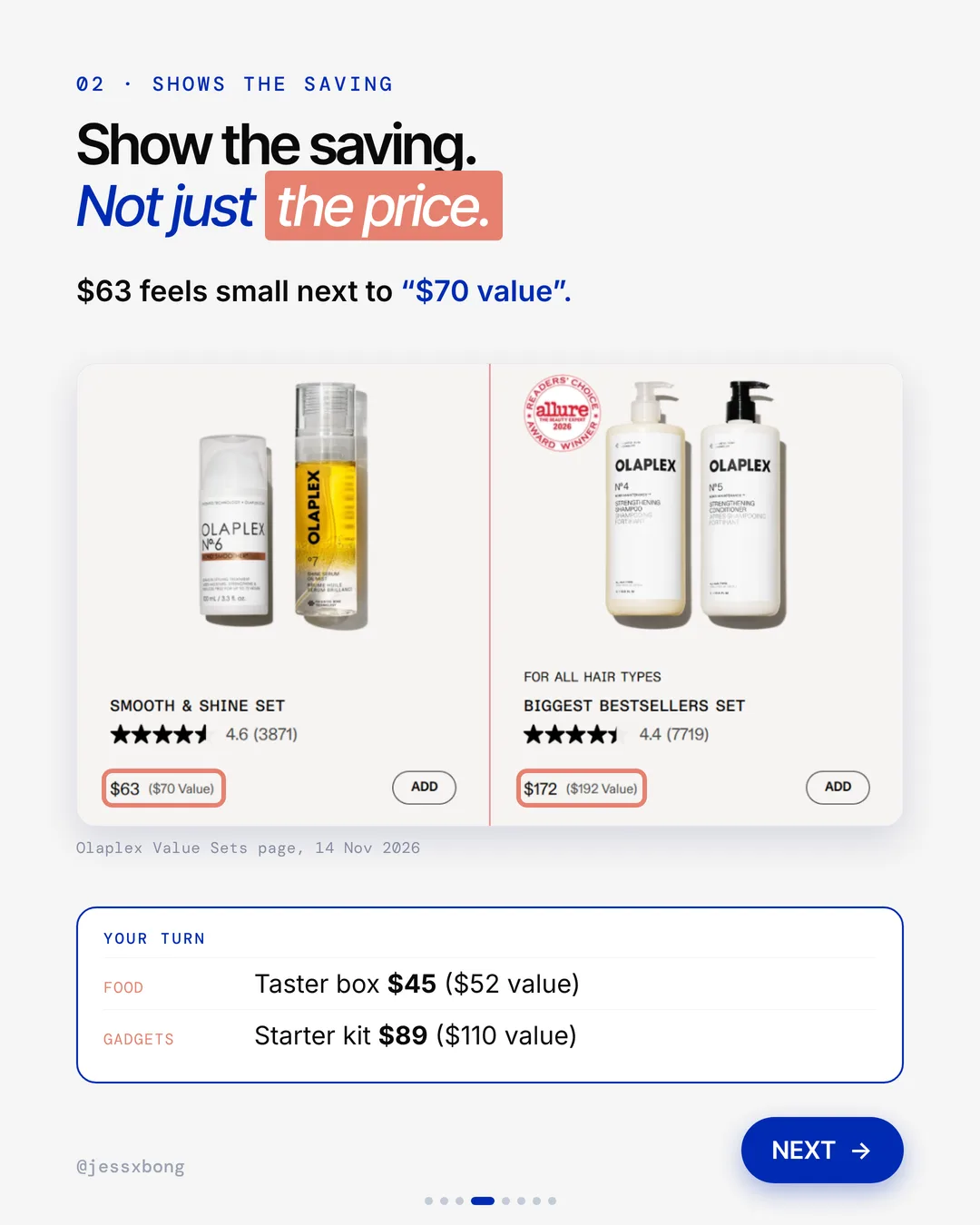
Every Olaplex set shows two prices: what you pay, and what it is worth. For example, "$63 ($70 value)" or "$172 ($192 value)".
The Smooth & Shine Set is a good example. It pairs the Nº.6 Bond Smoother with the º7 Shine Serum Oil Mist, for $63 ($70 value). The page then shows how to use the two together, step by step. So the set feels like a routine, not just a discount.
Build your sets from products people already buy together. Your past orders will show you which ones. Give each set a clear name that says what it does.
Why it works
$63 feels small next to $70. The set feels like a deal, so it is easy to say yes.
Sets move more products in one go. And shoppers can see why the set is the smart choice.
Your turn
- Food: a taster box for $45 ($52 value)
- Gadgets: a starter kit for $89 ($110 value)
How to do it on Shopify
- Use the free Shopify Bundles app to make the set.
- On the set, add a Compare-at price. That is the "was" or "value" price.
- Check that both prices show on your product page and collection pages.
- Keep it honest. The value price should be what the items cost on their own.
Mistakes to avoid
- Making up a value price that is higher than the real prices, which breaks trust.
- Putting products in a set that nobody uses together.
- Showing the saving on the product page but not on the collection page.
How to tell it is working. Check how many sets you sell in your sales by product report, and watch your average order value. If both go up, the saving is doing its job.
03 · Olaplex
Proves it works
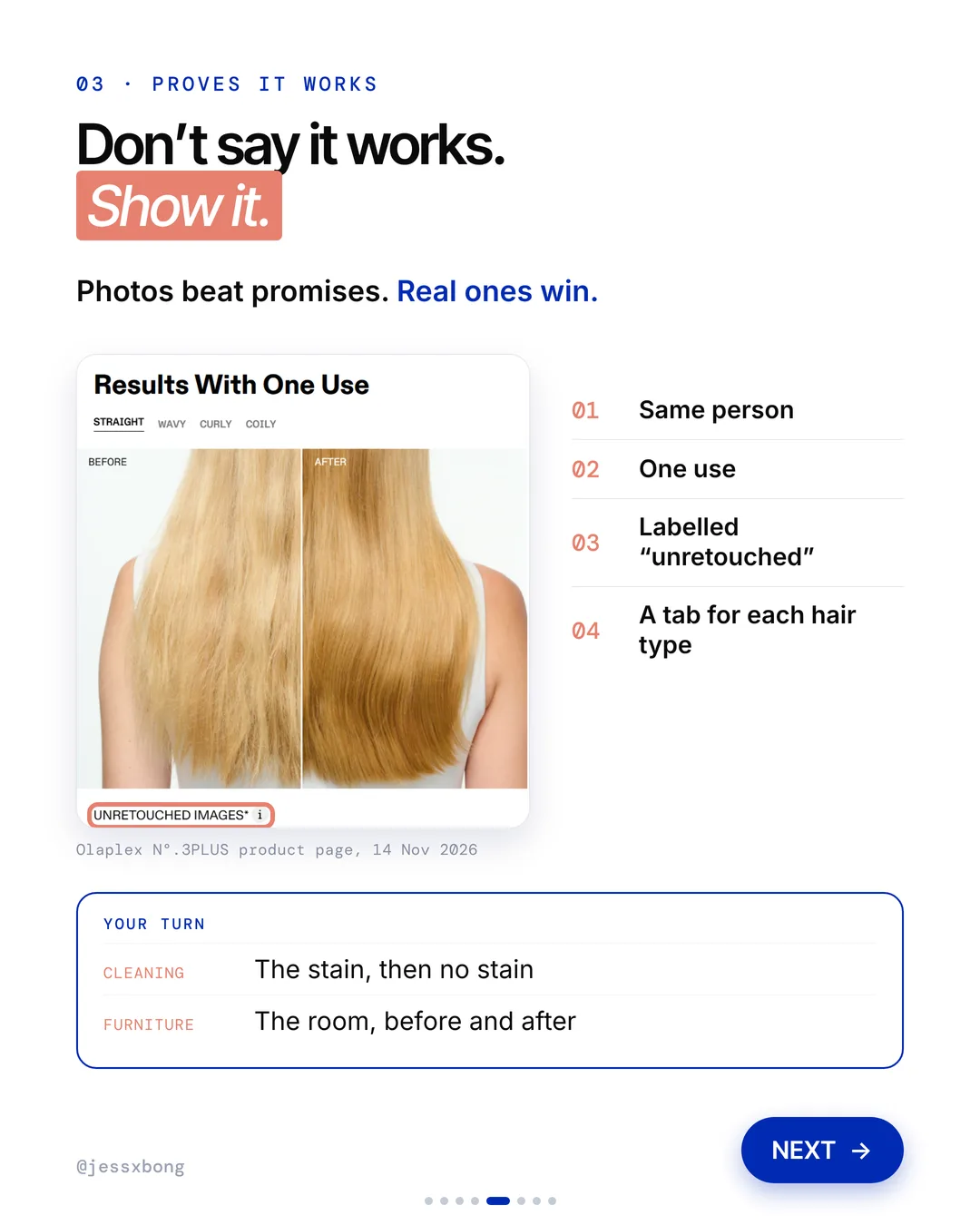
Olaplex shows real before and after photos. Same person, after one use, labelled "unretouched". There is a tab for each hair type: straight, wavy, curly and coily.
On the N°.3PLUS page, a section called Results With One Use has tabs for straight, wavy, curly and coily hair. Each tab shows a before and an after, marked unretouched images. The page also says results may vary, which keeps the claim honest.
The tabs are the clever part. A shopper with curly hair does not care about straight hair. Letting them pick their own type makes the proof feel personal.
Why it works
"Will it work on me?" Photos beat promises. A tab for their hair type answers the question for them.
Real proof builds trust fast. Fewer people leave the page to think about it.
Your turn
- Cleaning: the stain, then no stain
- Furniture: the room, before and after
How to do it on Shopify
- Shoot the same person or thing, in the same light, before and after.
- In the theme editor, open your product page and add an Image section.
- Put the before and after side by side, with a short label.
- Real photos only. No filters.
Mistakes to avoid
- Using edited or filtered photos, which shoppers spot fast.
- Shooting before and after in different light, so the change looks fake.
- Showing only one type of customer, so others think it won't work for them.
How to tell it is working. Compare the product's conversion rate in Analytics before and after you add the photos. You can also watch whether fewer people leave the product page without adding to cart.
Do this this week
- Pick your best seller and list the 2 or 3 products people use with it.
- Set those as Complementary products in the free Search & Discovery app.
- Add the Complementary products block to your product page and call it "Complete the routine".
- Turn one routine into a set with the free Shopify Bundles app and add an honest Compare-at price.
- Shoot one before and after of your best seller, same light, no filters.
Help shoppers buy the full routine, show them the saving, and prove it works. That is how one bottle becomes three.
Questions
What does Olaplex's website do well?
Three things. It shows a "Recommended Routine" on every product page, it shows the saving on every set, like "$63 ($70 value)", and it uses real, unretouched before and after photos with a tab for each hair type. (Seen on olaplex.com on 14 Nov 2026.)
How do I add a "complete the routine" section on Shopify?
Install the free Search & Discovery app, choose Complementary products for each product, then add the Complementary products block to your product page in the theme editor. No developer needed.
Can I show a price like "$63 ($70 value)" on Shopify?
Yes. Make the set with the free Shopify Bundles app, then add a Compare-at price. Shopify shows it as the "was" price next to the real price. Make sure the value price is honest.
Is Olaplex's website on Shopify?
Yes. Olaplex runs its website on Shopify. That means the tricks on this page can all be done on a Shopify store too.
Can I show before and after photos for different customer types on Shopify?
Yes. The simple way is one Image section per type, each with a short label. Tabs like Olaplex's may need an app, a theme that has tabs, or a developer.