
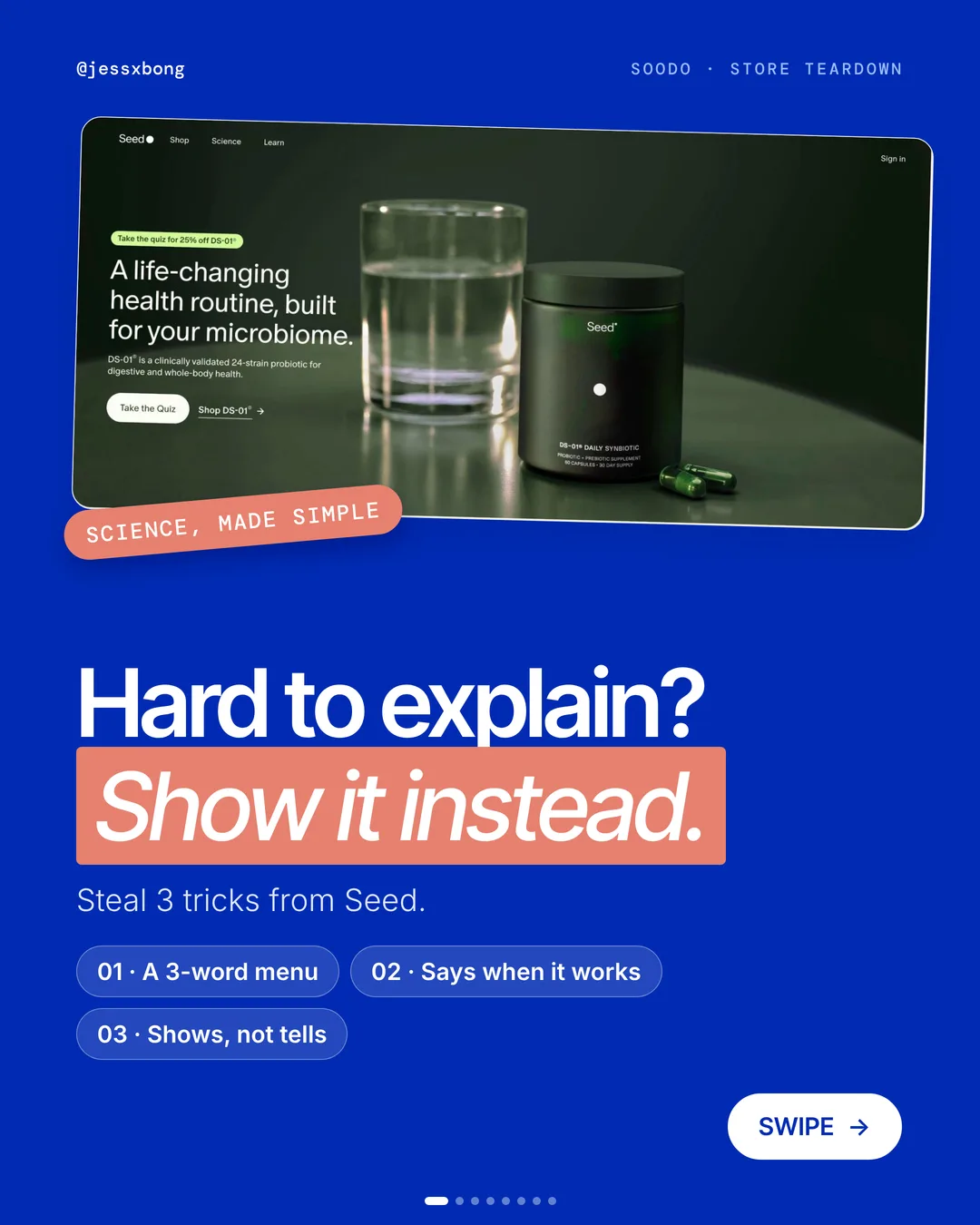
Probiotics are hard to explain. Seed makes them simple.
Its website does not try to explain harder. It keeps the menu short, says when the product works, and shows one clear picture.
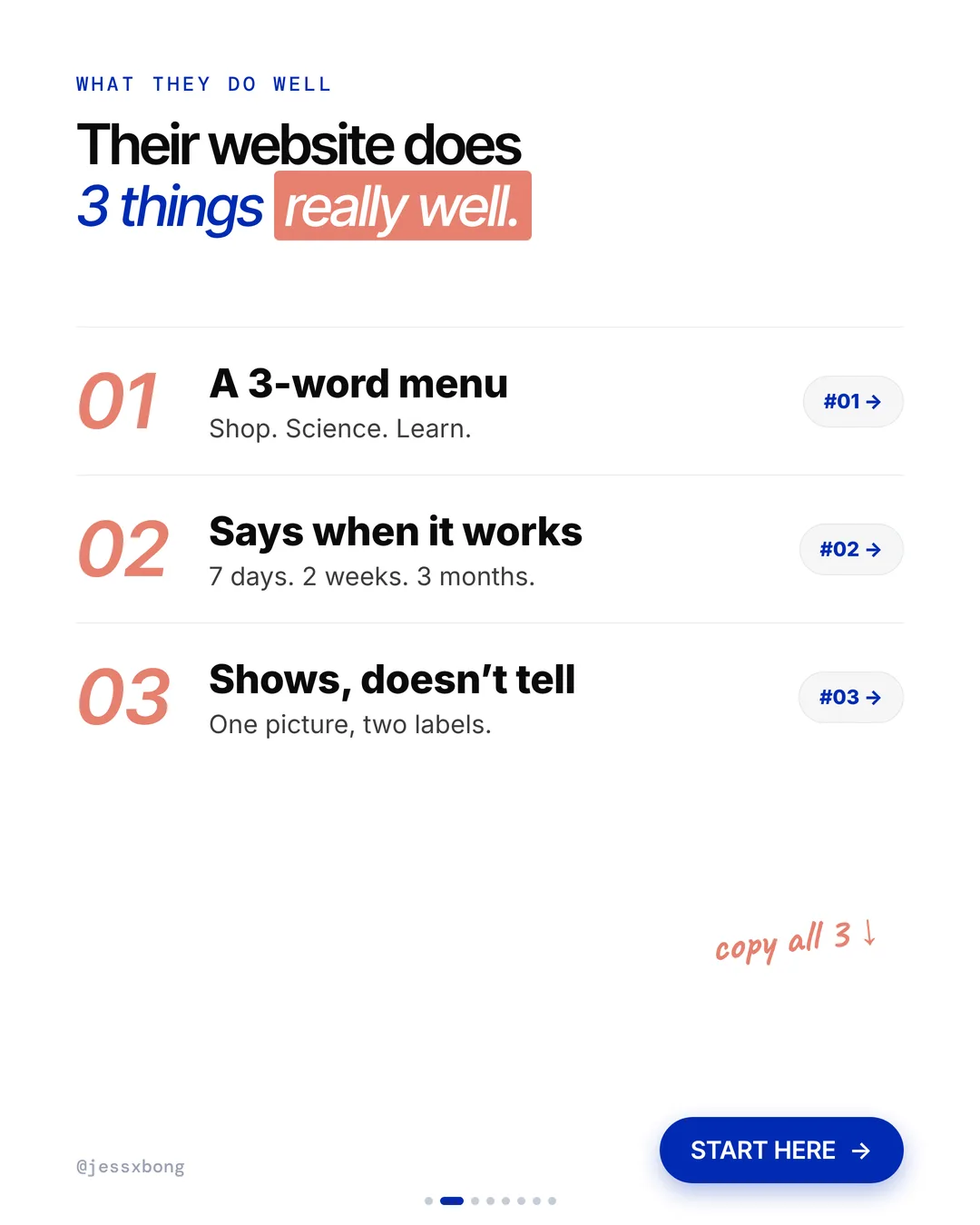
Here are the 3 things it does really well, why they work, and how to copy them on your own Shopify store.
What they do well
- 01A 3-word menuShop. Science. Learn. That's the whole menu.
- 02Says when it works7 days. 2 weeks. 4 weeks. 3 months.
- 03Shows, doesn't tellOne picture, two labels.
01 · Seed
A 3-word menu
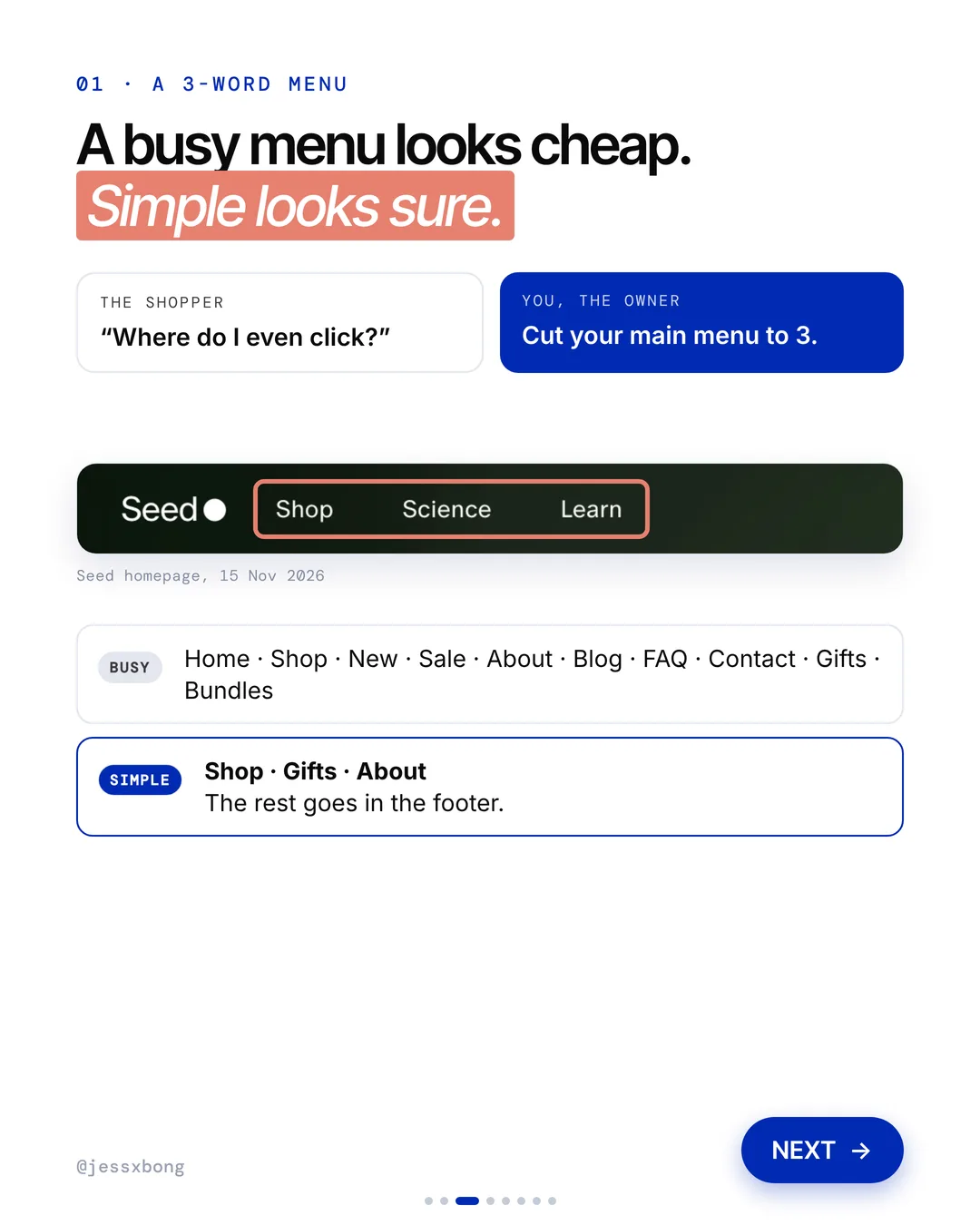
The Seed menu has just three links: Shop, Science and Learn. There is nothing else to pick from at the top of the page.
Seed sells a small range. There is DS-01 Daily Synbiotic, DM-02 Daily Multivitamin, AM-02 Energy + Focus and PM-02 Sleep + Restore. A short menu fits a short range. Shoppers who are not sure what to pick can take a quiz instead of digging through links.
Got lots of products? You can still keep 3 top links. Put your collections inside Shop as a drop-down. Leave About, FAQ and Contact in the footer, where people look for them anyway.
Why it works
"Where do I even click?" A busy menu makes people stop and think. Three links make the choice easy.
A busy menu looks cheap. Simple looks sure. Cut your main menu to 3.
Your turn
- Shop, Gifts, About
- Move the rest to the footer
How to do it on Shopify
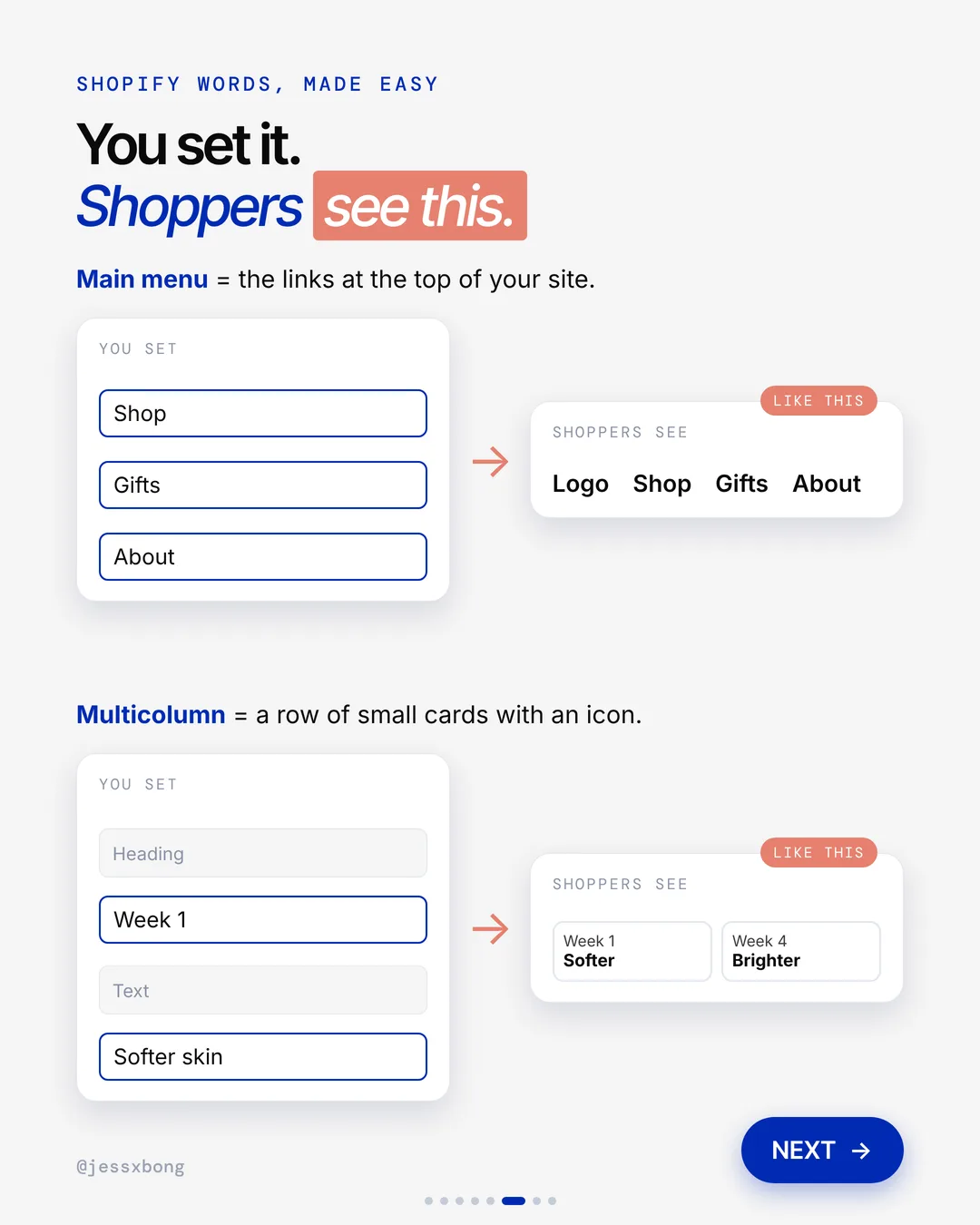
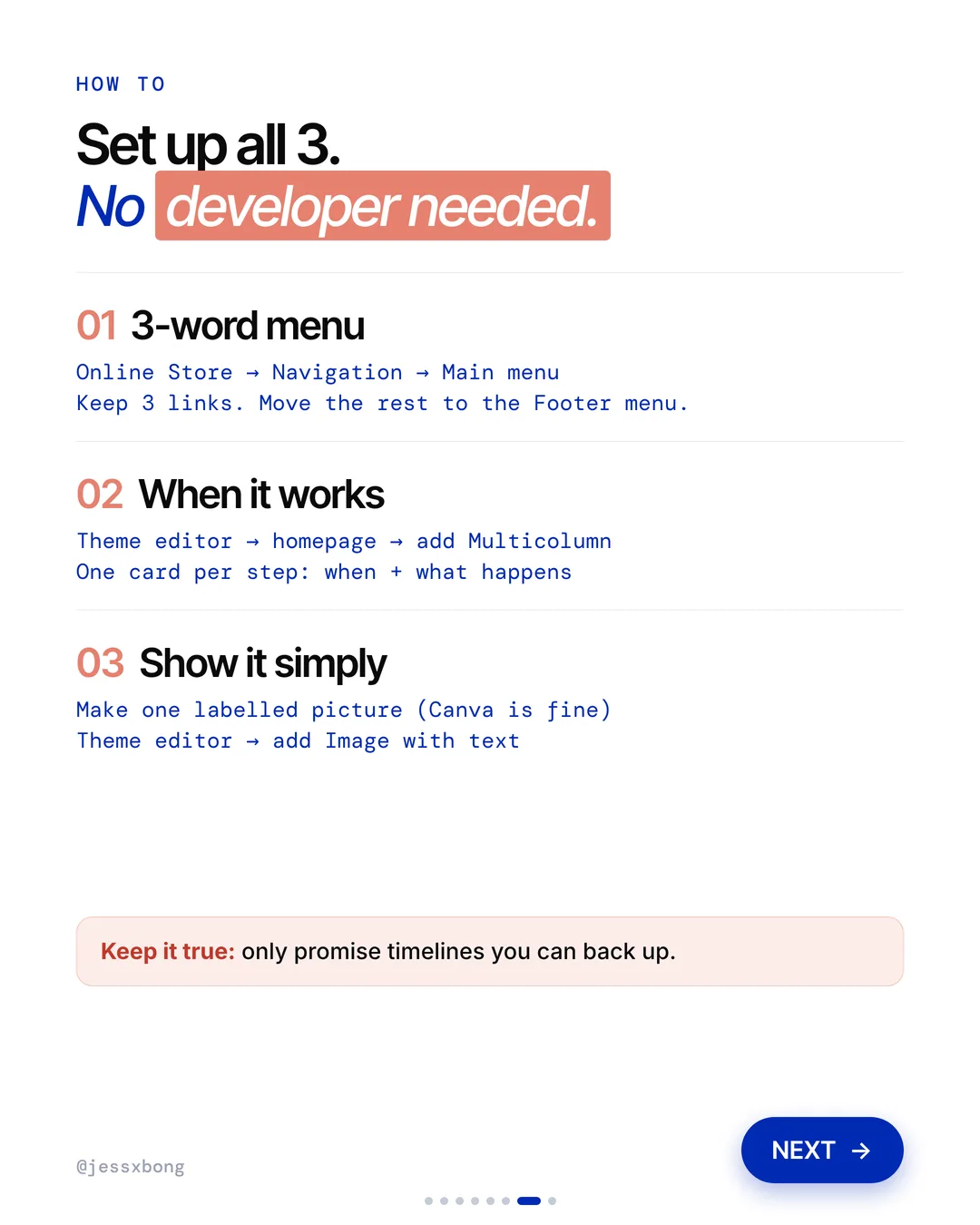
- In Shopify, go to Online Store, then Navigation, then Main menu.
- Keep 3 links, like Shop, Gifts and About.
- Move the rest to the Footer menu.
Mistakes to avoid
- Putting every collection in the top menu, so nothing stands out.
- Using a vague word like Explore instead of a clear one like Shop.
- Taking links out of the main menu but forgetting to add them to the footer.
How to tell it is working. In Analytics, check your online store conversion rate and how many sessions add to cart, before and after the change. If more visitors reach a product and add it, the short menu is working.
Free checklist
Get the free Shopify Optimization Checklist
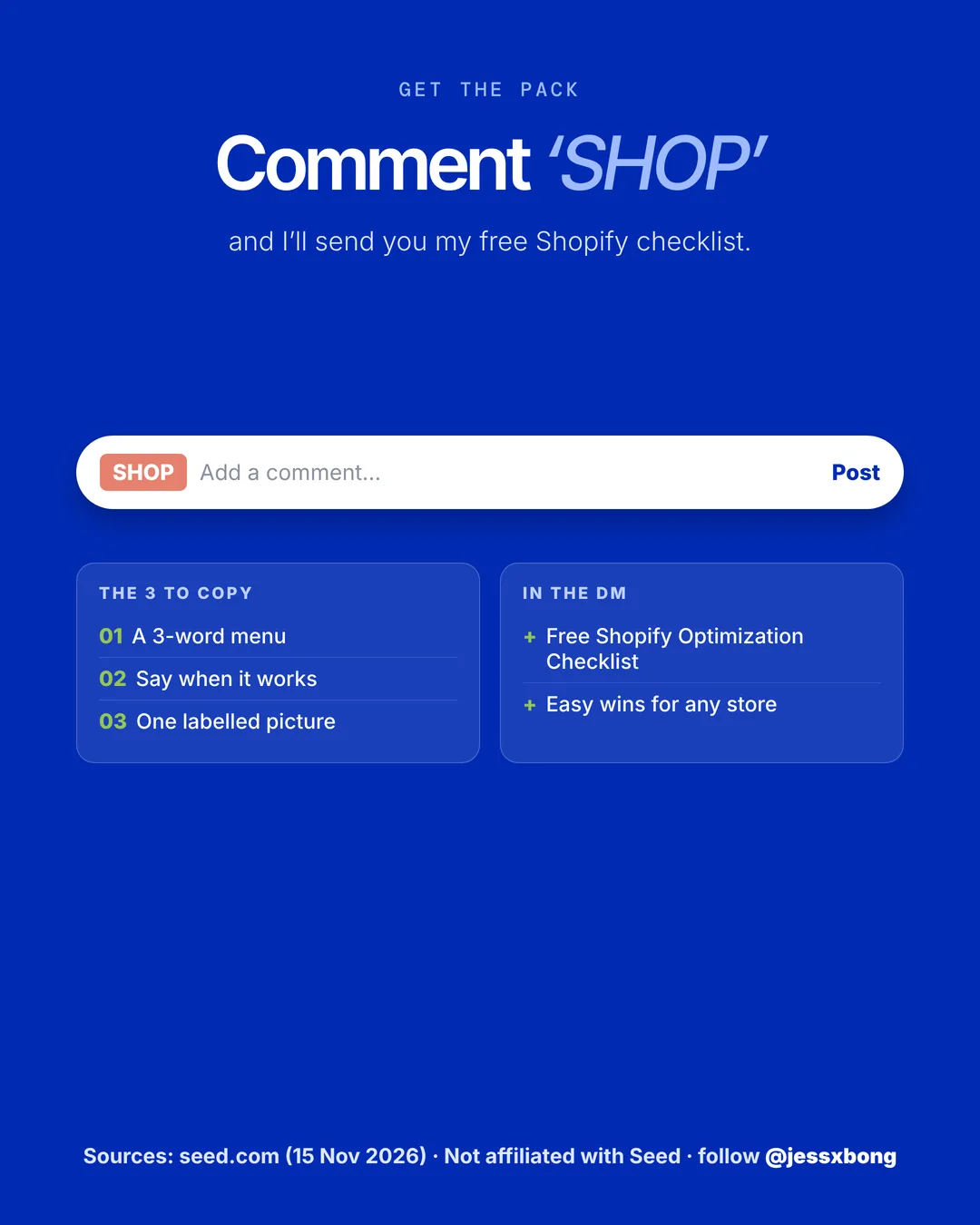
The same checklist people get on Instagram when they comment SHOP. Go through your homepage, product pages, checkout and more, one tick at a time. No developer needed.
02 · Seed
Says when it works
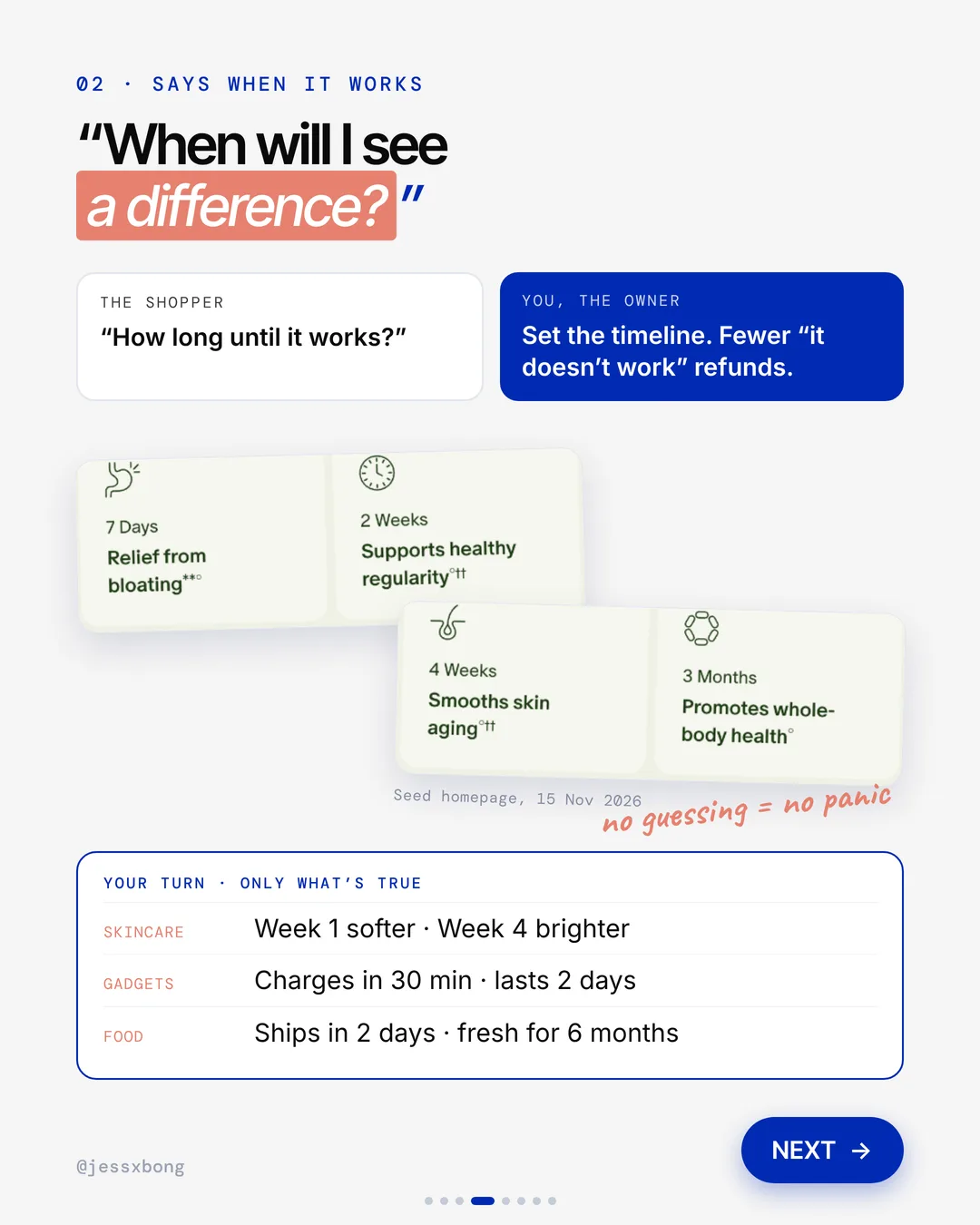
Seed shows a timeline on its homepage. 7 days for relief from bloating, 2 weeks for regularity, 4 weeks for skin, and 3 months for whole-body health.
Each step on the homepage pairs one time with one result. 7 days for relief from bloating, 2 weeks for healthy regularity, 4 weeks for skin, and 3 months for whole-body health. The DS-01 product page adds that some effects can start in 24 to 48 hours, while others take longer.
Seed also puts a 30-day risk-free guarantee on the first order. A timeline works best with a safety net next to it. If you have a guarantee, show it close to your timeline, so people feel fine about waiting.
Why it works
"How long until it works?" Now they know what to expect, so they don't give up early. No guessing means no panic.
Set the timeline. You get fewer "it doesn't work" refunds.
Your turn
- Skincare: week 1 softer, week 4 brighter
- Gadgets: charges in 30 min, lasts 2 days
- Food: ships in 2 days, fresh for 6 months
How to do it on Shopify
- Open the theme editor and go to your homepage.
- Add a Multicolumn section. That is a row of small cards with an icon.
- Make one card per step. Put when it happens and what happens.
- Keep it true. Only promise timelines you can back up.
Mistakes to avoid
- Promising results you cannot prove, which leads to bad reviews and refunds.
- Making the first step too far away, so people give up before anything happens.
- Showing the timeline only on the homepage, where many shoppers never land.
How to tell it is working. Watch your refunds and returns, and your returning customer rate, in Analytics. If refunds go down and more people buy again, the timeline is helping.
03 · Seed
Shows, doesn't tell
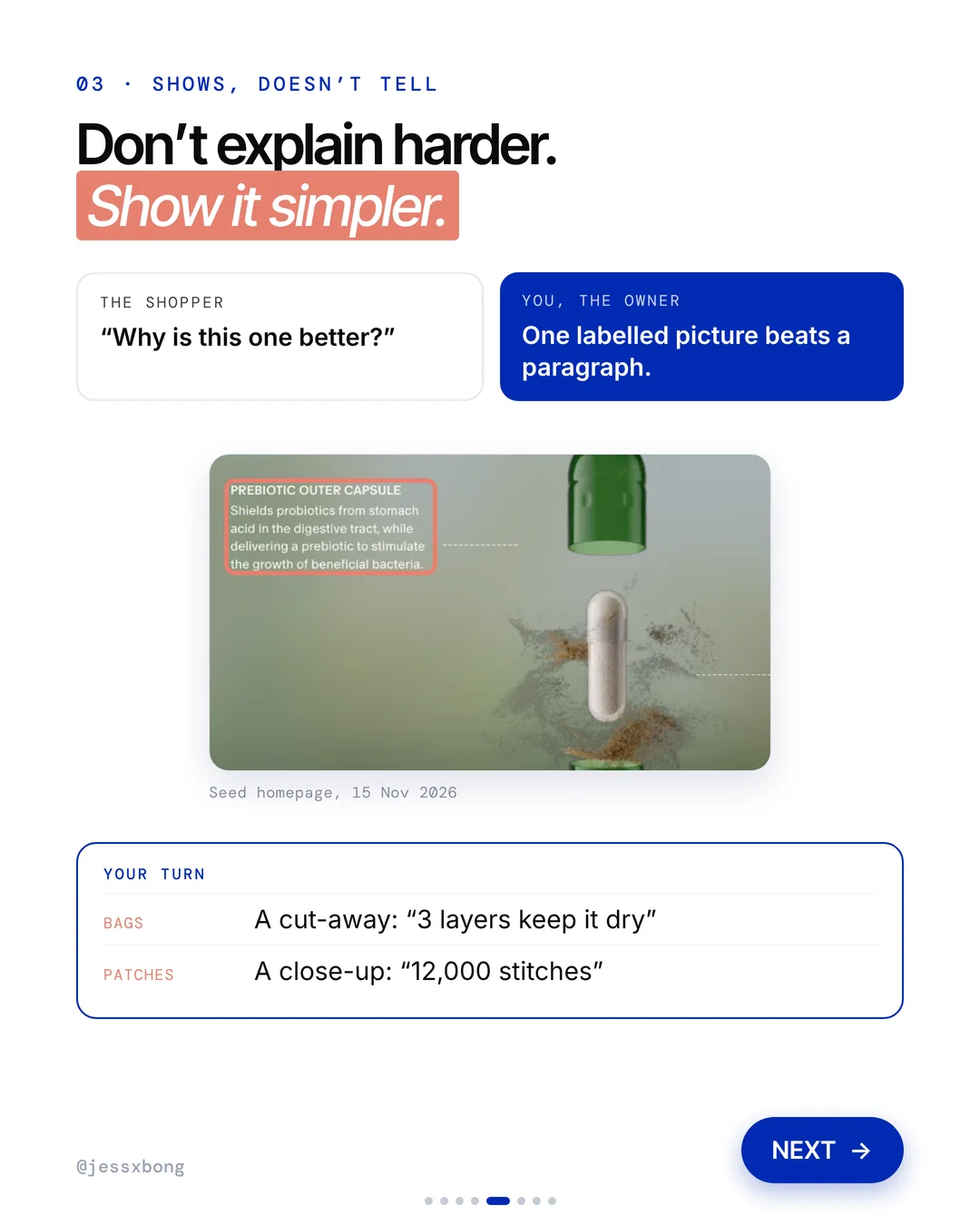
Seed shows one picture of its capsule with short labels. One label points to the prebiotic outer capsule and says what it does.
On the DS-01 product page, the capsule picture has just two labels: Prebiotic Outer Capsule and Probiotic Inner Capsule. Two labels tell the whole idea of a capsule inside a capsule. Then the page backs it up with one simple number, 24 strains.
Pick the one thing that makes your product different, and label only that. With more than 2 or 3 labels, the picture gets busy again. Make the words big enough to read on a phone.
Why it works
"Why is this one better?" A picture answers it in a second. No long text to read.
One labelled picture beats a paragraph. Don't explain harder. Show it simpler.
Your turn
- Bags: a cut-away, "3 layers keep it dry"
- Patches: a close-up, "12,000 stitches"
How to do it on Shopify
- Make one labelled picture. Canva is fine.
- Open the theme editor and add an Image with text section.
- Put your labelled picture in it.
Mistakes to avoid
- Adding so many labels that the picture looks like a manual.
- Using tiny text that nobody can read on a phone.
- Using a pretty picture that does not explain anything.
How to tell it is working. Check the conversion rate for that product in Analytics, before and after you add the picture. If more people who view it go on to buy, the picture is doing its job.
Do this this week
- Count the links in your main menu and cut them to 3.
- Move the other links to your footer menu so nothing gets lost.
- Write down when your product starts to work, in 3 or 4 honest steps.
- Add those steps to your homepage as a Multicolumn section.
- Make one labelled picture of your best seller and add it to its product page.
Hard to explain what you sell? Don't explain harder. Show it simpler.
Questions
What does Seed's website do well?
Three things. It has a 3-word menu, Shop, Science and Learn. It says when the product works, from 7 days to 3 months. And it shows one labelled picture of the capsule instead of a long paragraph. (Seen on seed.com on 15 Nov 2026.)
How do I make a simple menu on Shopify?
Go to Online Store, then Navigation, then Main menu. Keep 3 links and move the rest to the Footer menu. No developer needed.
How do I show a "when it works" timeline on Shopify?
In the theme editor, add a Multicolumn section to your homepage. Make one card per step, with when it happens and what happens. Only promise timelines you can back up.
Why does a short menu help sales?
Fewer links mean fewer choices. Shoppers find Shop fast and get to your products sooner. Your other pages can live in the footer.
Can I add a labelled picture on Shopify without an app?
Yes. Make the picture in a free tool like Canva. Then add it to your page with an Image with text section in the theme editor. No app needed.