
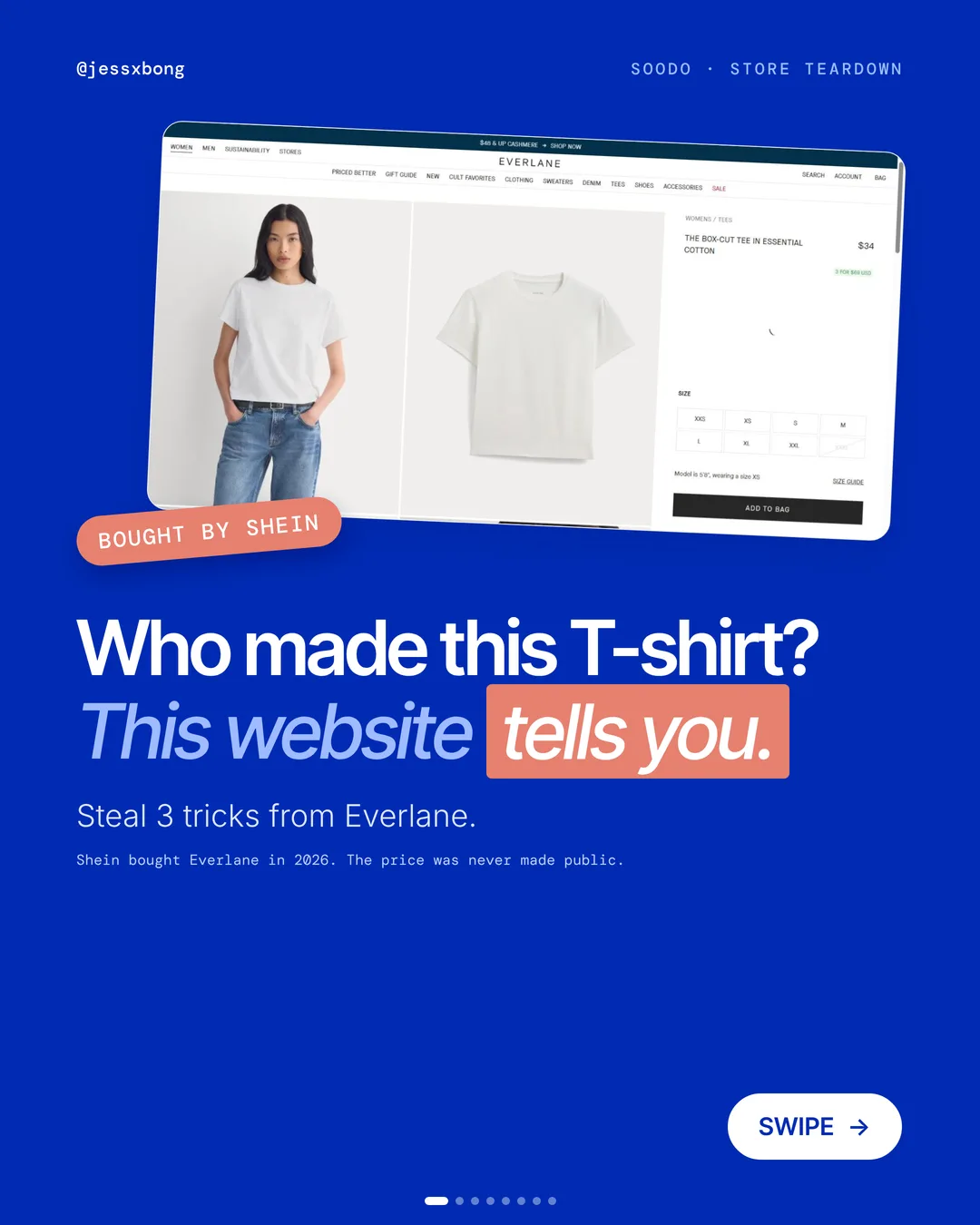
Shein bought Everlane in 2026. The price was never made public.
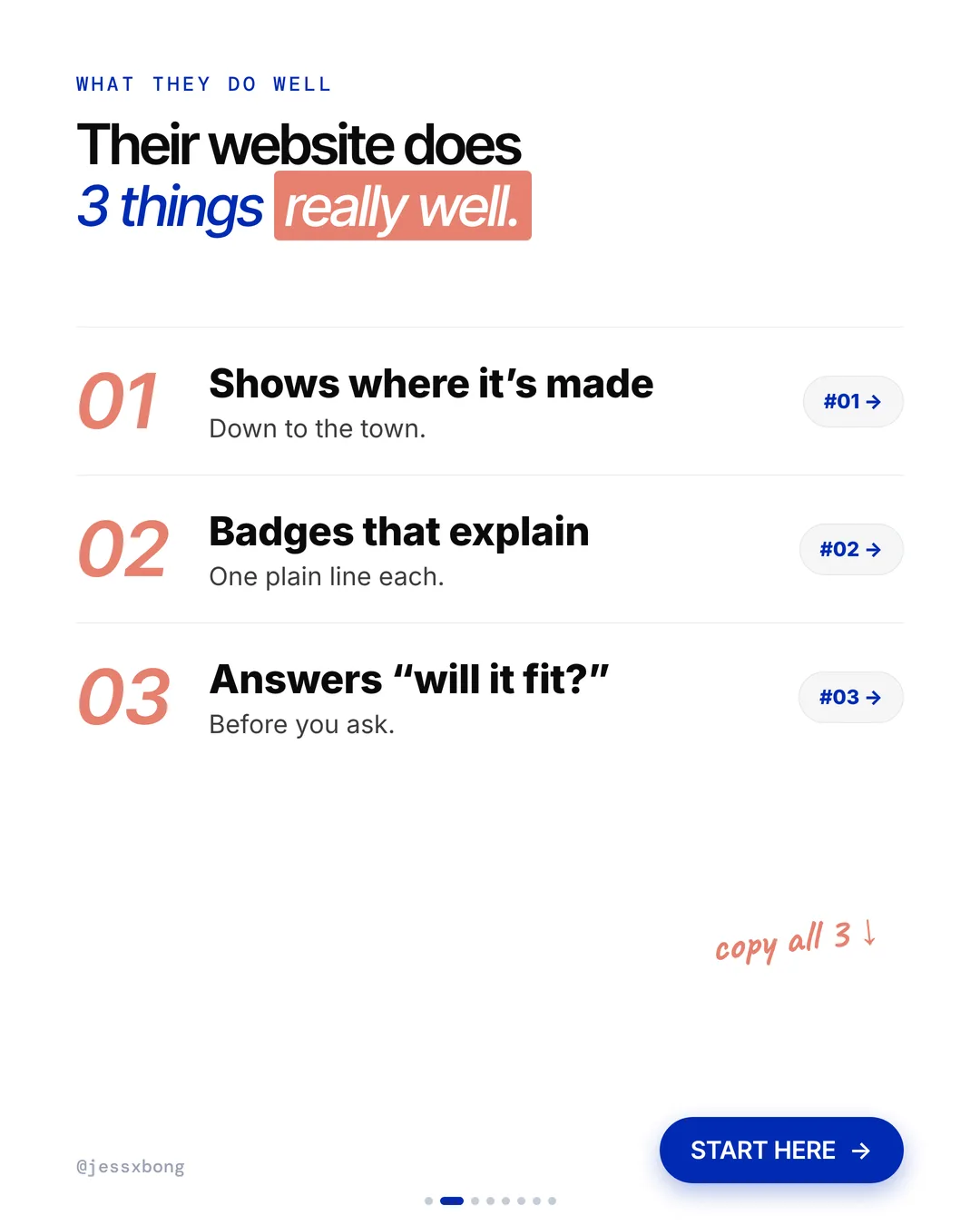
Everlane's website still does 3 things really well. It doesn't just say its clothes are made well. It shows you.
Here are the 3 things, why they work, and how to set them up on your own Shopify store. No developer needed.
What they do well
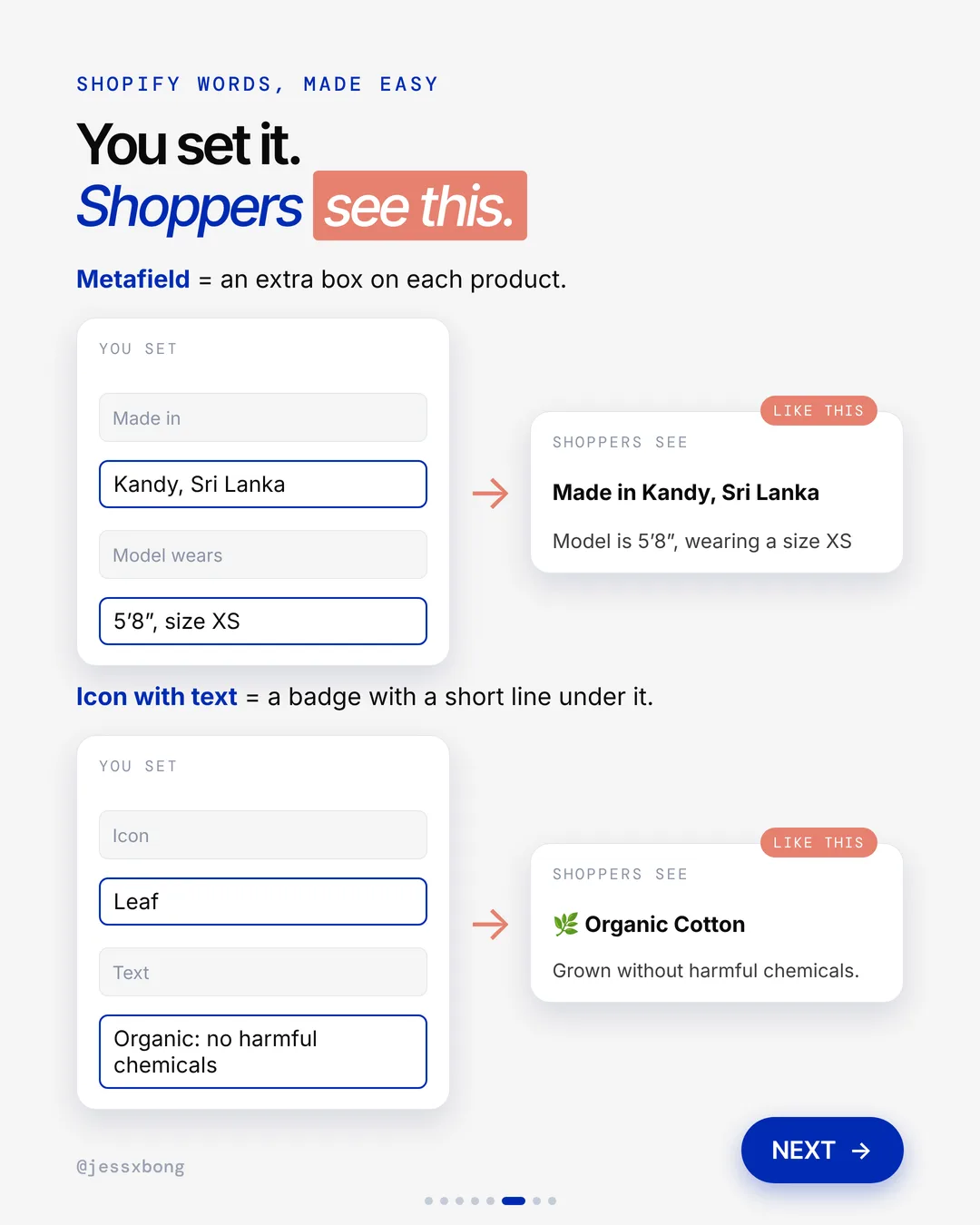
- 01Shows where it's made"Made in Kandy, Sri Lanka", with a link to see the factory.
- 02Badges that explain themselvesOne plain line under each badge.
- 03Answers "will it fit?""Model is 5'8", wearing a size XS."
01 · Everlane
Shows where it's made
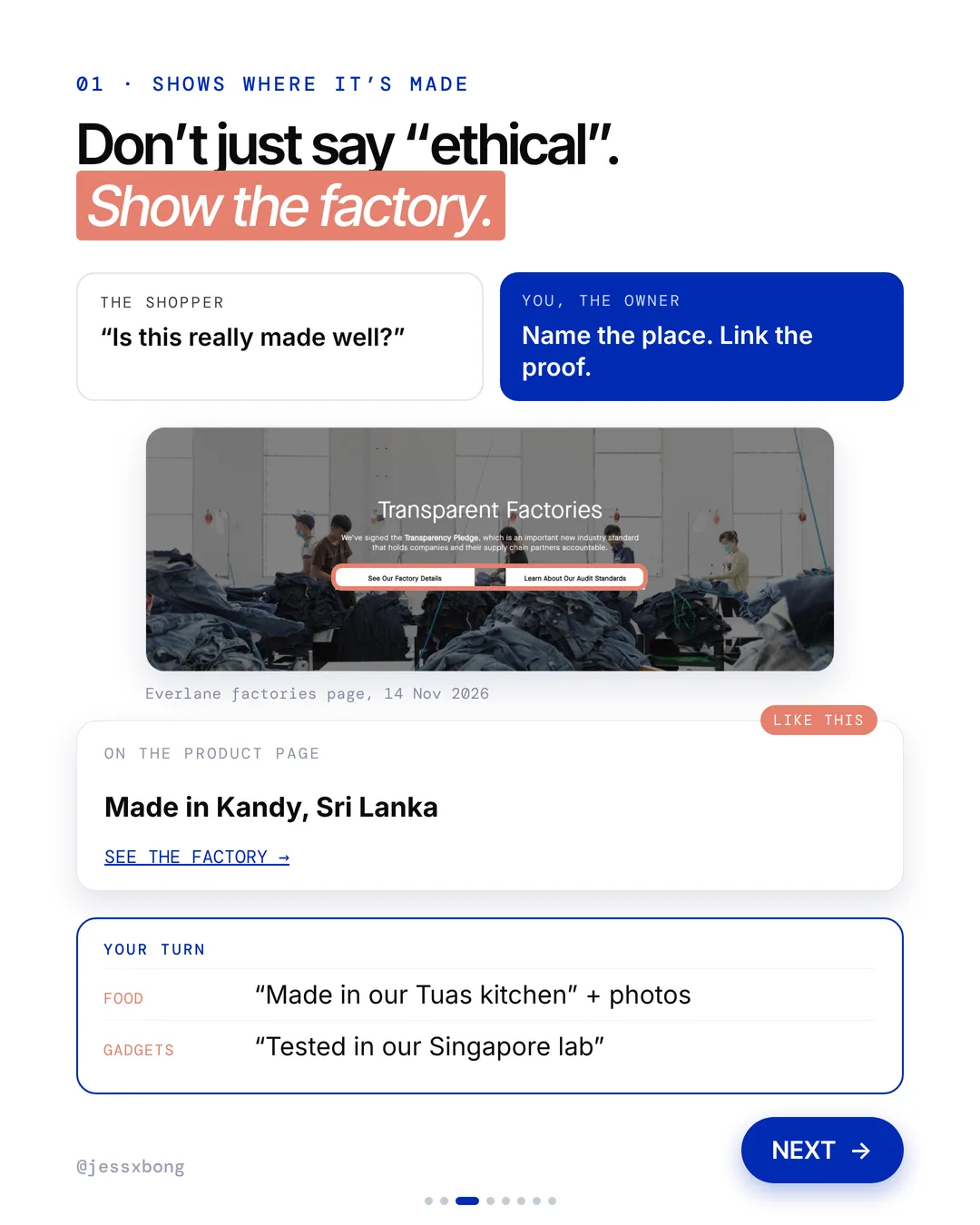
Everlane names the place each item is made, down to the town. The product page says "Made in Kandy, Sri Lanka", with a link to see the factory. There is also a Transparent Factories page with factory details.
The "See the factory" link on the tee page goes to a full page about the maker, MAS Holdings in Sri Lanka. It has factory photos and a short story. It says Everlane has worked with MAS since 2017, and lists the groups MAS belongs to, like the Ethical Trading Initiative.
The main Factories page shows a card for each factory, with a photo, the town and the factory name, like "Kandy / MAS Holdings". A good tip for a small shop: you do not need a big factory to do this. A photo of your kitchen, your workshop or your supplier, with a name and a town, does the same job.
Why it works
"Is this really made well?" Anyone can say "ethical". A real town and a real factory feel true.
Don't just say it. Show it. Name the place and link the proof.
Your turn
- Food: "Made in our Tuas kitchen" with photos
- Gadgets: "Tested in our Singapore lab"
How to do it on Shopify
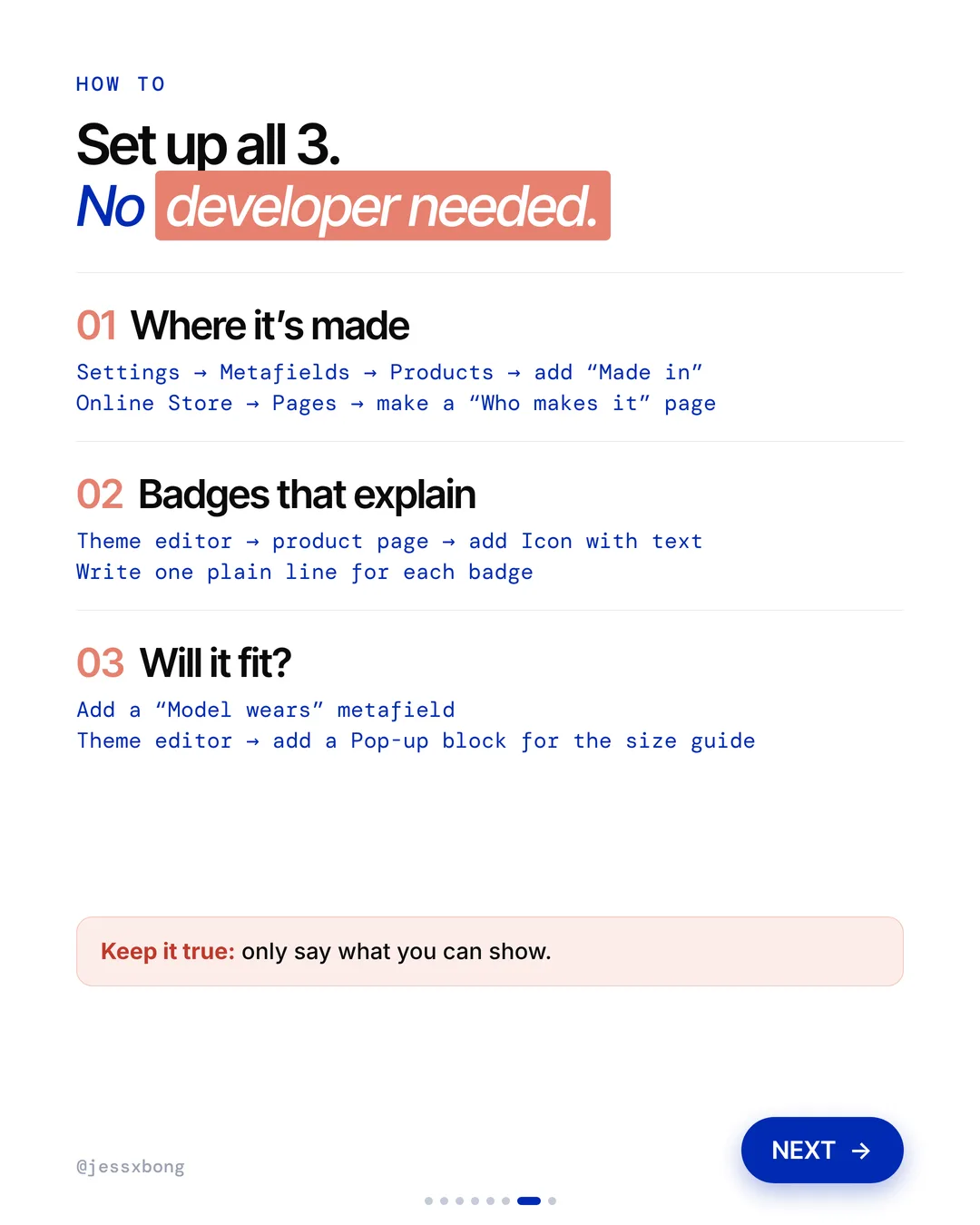
- Go to Settings, then Metafields, then Products. Add a "Made in" field.
- Fill it in on each product, like "Kandy, Sri Lanka".
- Go to Online Store, then Pages. Make a "Who makes it" page with photos.
- Link to that page from your product page.
Mistakes to avoid
- Saying "ethical" or "handmade" with no photo, name or place to back it up.
- Filling in the "Made in" field on a few products and leaving the rest blank.
- Linking to a "Who makes it" page that has only stock photos.
How to tell it is working. In Analytics, check how many people view your "Who makes it" page. Then compare the conversion rate on products that show "Made in" before and after you add it.
Free checklist
Get the free Shopify Optimization Checklist
The same checklist people get on Instagram when they comment SHOP. Go through your homepage, product pages, checkout and more, one tick at a time. No developer needed.
02 · Everlane
Badges that explain themselves
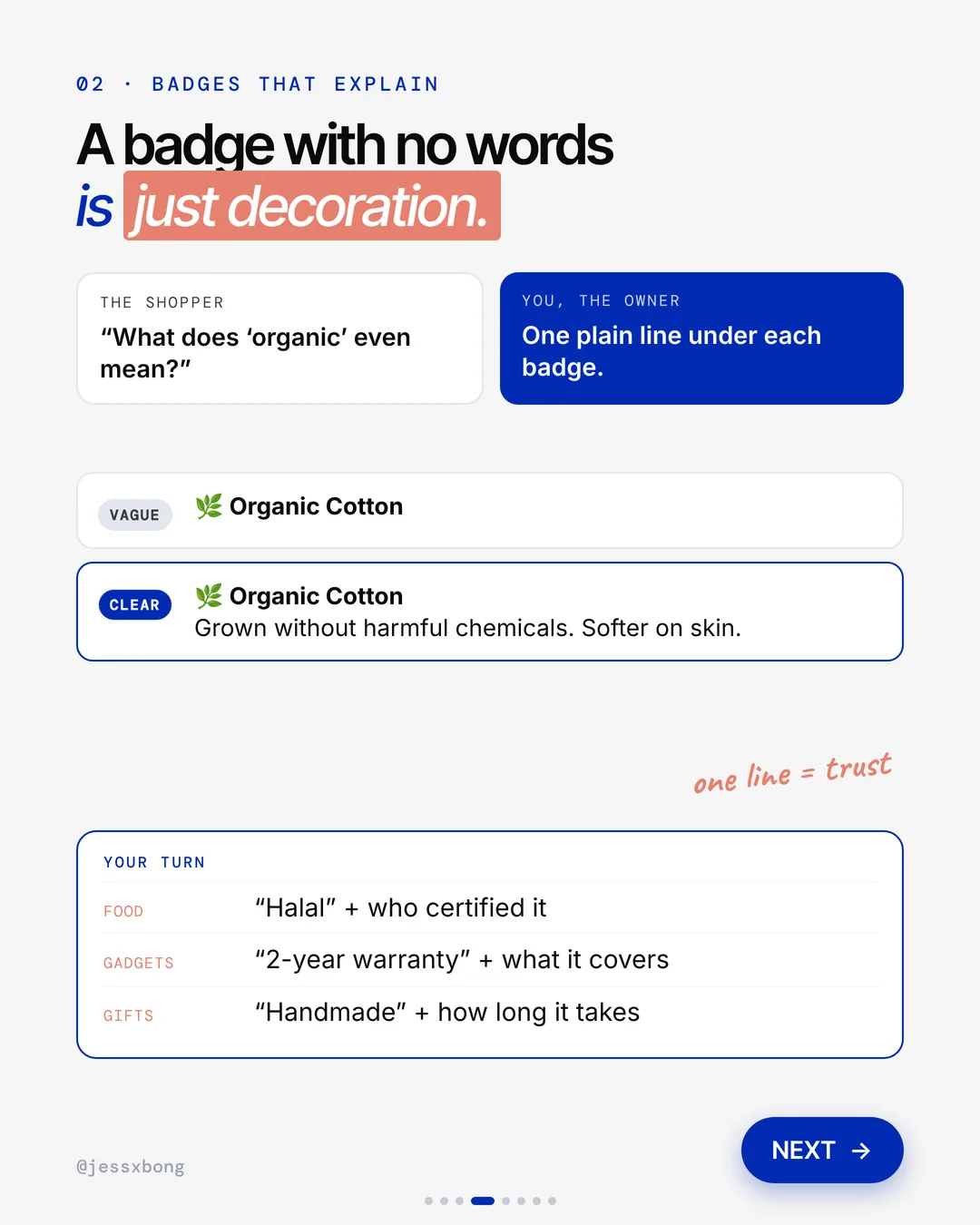
Everlane doesn't just show a badge. Under "Organic Cotton" it adds one plain line: "Grown without harmful chemicals. Softer on skin." Now the badge means something.
On the Box-Cut Tee page, every badge has a line under it. The OCS100 badge says Everlane has been an OCS-certified brand since 2022. The Organic Cotton badge says over 75% of its cotton use is certified organic.
Even the service badges explain themselves. Free Shipping says it is on U.S. orders over $75. Easy Returns says you can return within 30 days of the ship date. Each one has a link for more detail, so the shopper never has to hunt for the rules.
Why it works
"What does 'organic' even mean?" A badge with no words is just decoration. One line answers the question.
One line builds trust. The shopper knows exactly what they are paying for.
Your turn
- Food: "Halal" and who certified it
- Gadgets: "2-year warranty" and what it covers
- Gifts: "Handmade" and how long it takes
How to do it on Shopify
- In the theme editor, open your product page.
- Add an Icon with text block. That is a badge with a short line under it.
- Pick an icon, like a leaf.
- Write one plain line for each badge. Say what it means for the shopper.
Mistakes to avoid
- Using badges that only say a word, like "Eco", with nothing to say what it means.
- Claiming a certificate you do not hold, or one that has run out.
- Adding so many badges that none of them stand out.
How to tell it is working. Check the conversion rate on your product pages in Analytics before and after. Also count how many shoppers message you to ask what a badge means. That number should drop.
03 · Everlane
Answers "will it fit?"
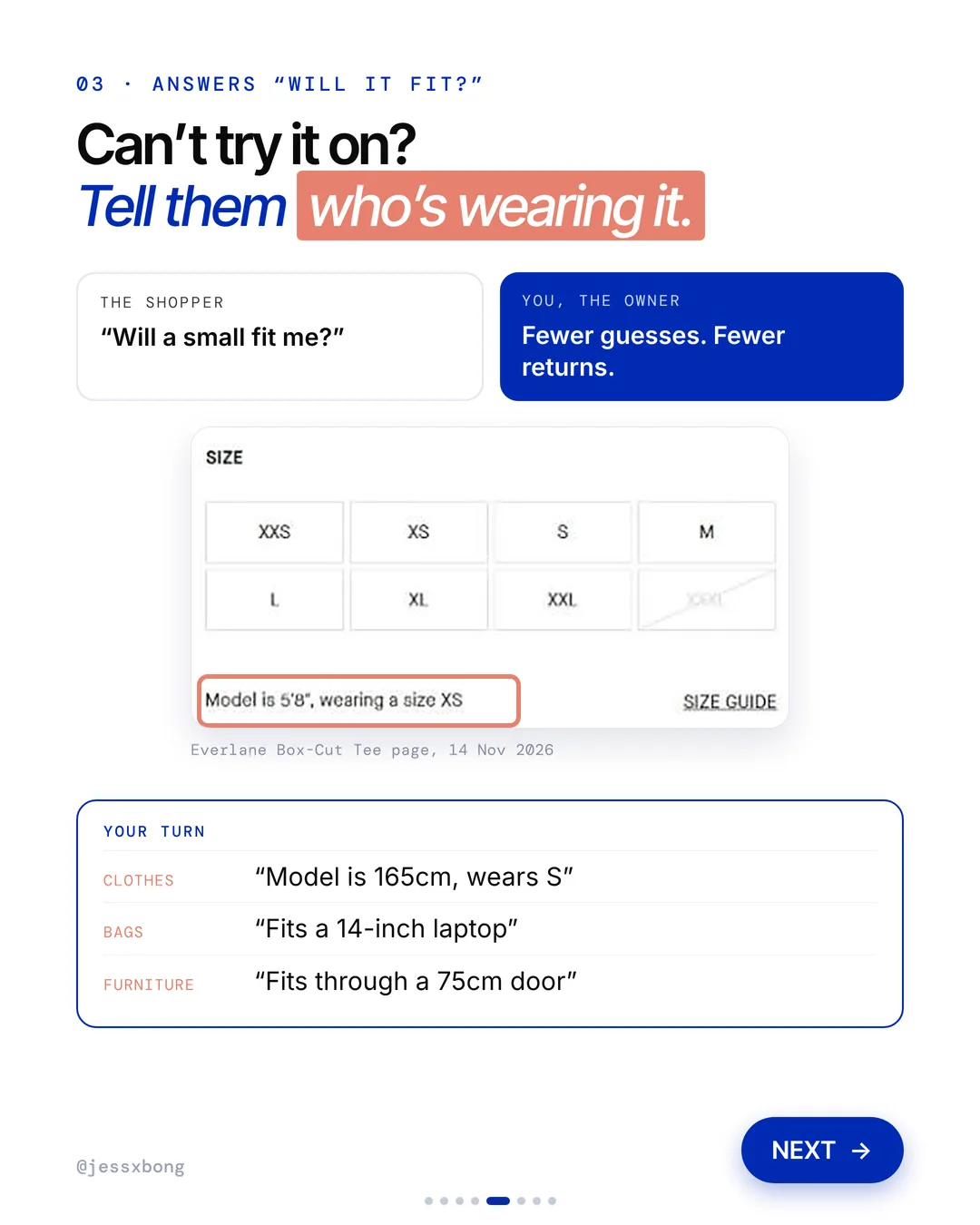
Right by the size buttons, Everlane says who is wearing it: "Model is 5'8", wearing a size XS." There is a size guide link next to it.
The model line changes with each product and photo. On the Box-Cut Tee in Peyote it says "Model is 5'9", wearing a size S". The page also says the tee is a relaxed fit, and the size chart shows both body and garment sizes, in inches and centimetres.
Naming the fit matters as much as the model line. "Relaxed fit" tells a shopper to expect room, so they do not size up by mistake. A good tip is to add one fit word to every product, like slim, regular or relaxed, and keep the words the same across your store.
Why it works
"Will a small fit me?" You can't try it on. Knowing the model's height and size helps you guess right.
Fewer guesses. Fewer returns.
Your turn
- Clothes: "Model is 165cm, wears S"
- Bags: "Fits a 14-inch laptop"
- Furniture: "Fits through a 75cm door"
How to do it on Shopify
- Add a "Model wears" metafield, the same way as "Made in".
- Fill it in on each product, like "5'8", size XS".
- In the theme editor, add a Pop-up block for your size guide.
- Keep it true. Only say what you can show.
Mistakes to avoid
- Giving a size chart in only one unit, so some shoppers have to convert.
- Writing "true to size" without saying what that means for this product.
- Using the same model line on every product, even when the model or fit is different.
How to tell it is working. In Analytics, check your returns for that product over the next month. If your returns flow asks for a reason, watch whether "too small" or "too big" comes up less.
Do this this week
- Add a "Made in" product metafield and fill it in for your top 10 products.
- Take a few photos of where your products are made and put them on a "Who makes it" page.
- Write one plain line under each badge on your product page.
- Add a "Model wears" line next to your size buttons.
- Put your size guide in a pop-up right by the size picker.
Don't just say it. Show it. Where it's made, what each badge means, and how it fits.
Questions
What does Everlane's website do well?
Three things. It shows where each item is made, like "Made in Kandy, Sri Lanka", it puts one plain line under each badge, and it tells you the model's height and size. (Seen on everlane.com on 14 Nov 2026.)
How do I add "Made in" to my Shopify product pages?
Go to Settings, then Metafields, then Products, and add a "Made in" field. Fill it in on each product. A metafield is just an extra box on each product.
How can I cut returns on clothes in my Shopify store?
Answer "will it fit?" before shoppers ask. Add a "Model wears" metafield, like "Model is 165cm, wears S", and a Pop-up block for your size guide.
Does Everlane use Shopify?
Yes. Everlane's website runs on Shopify. (Checked in everlane.com's page source on 16 Nov 2026.)
Where does Everlane make its clothes?
In many countries. Its Factories page lists places like Kandy in Sri Lanka, Ho Chi Minh in Vietnam, Elche in Spain and Lima in Peru, each with the factory's name. (Seen on everlane.com on 16 Nov 2026.)