
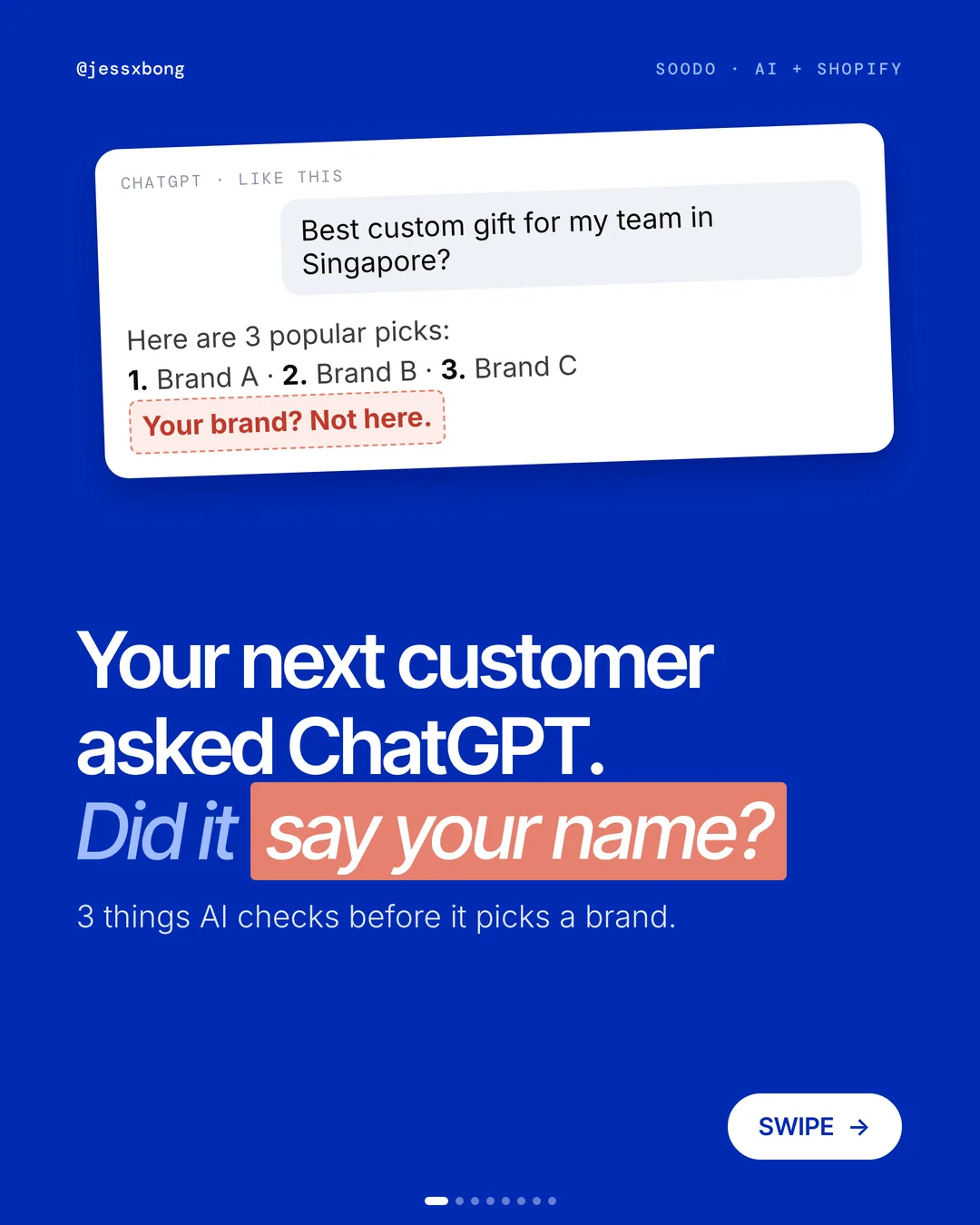
Your next customer might ask ChatGPT what to buy. Did it say your name?
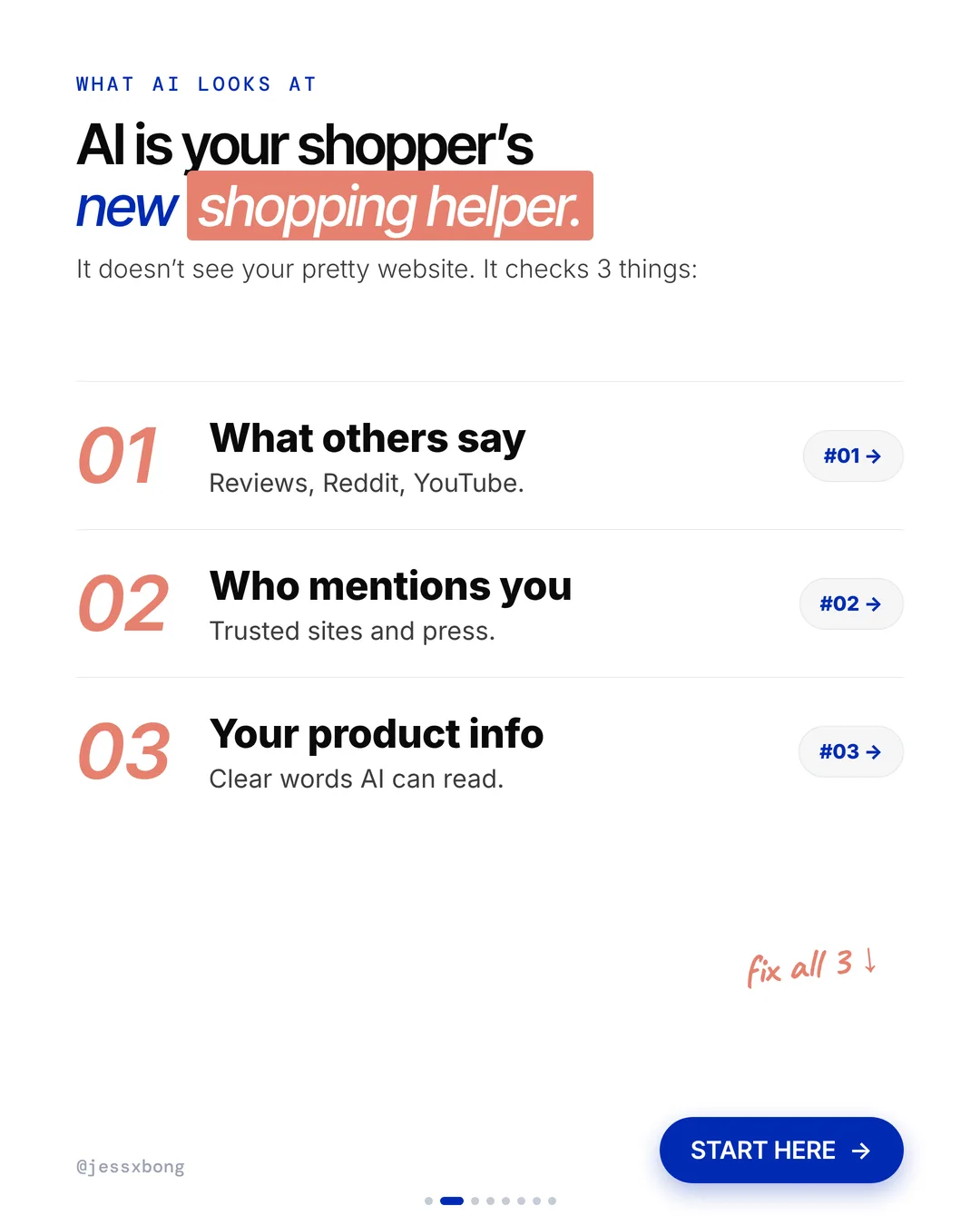
AI doesn't see your pretty website. Before it picks a brand, it checks 3 things: what others say, who mentions you, and your product info.
Here is what AI checks, why it matters, and how to fix all 3 on your Shopify store.
What AI checks
- 01What others sayReviews, Reddit, YouTube. Your buyers' words count more than yours.
- 02Who mentions you"Best of" lists, local press, partner brands.
- 03Your product infoClear words AI can read. Size, material, who it's for.
01 · AI recommendations
What others say
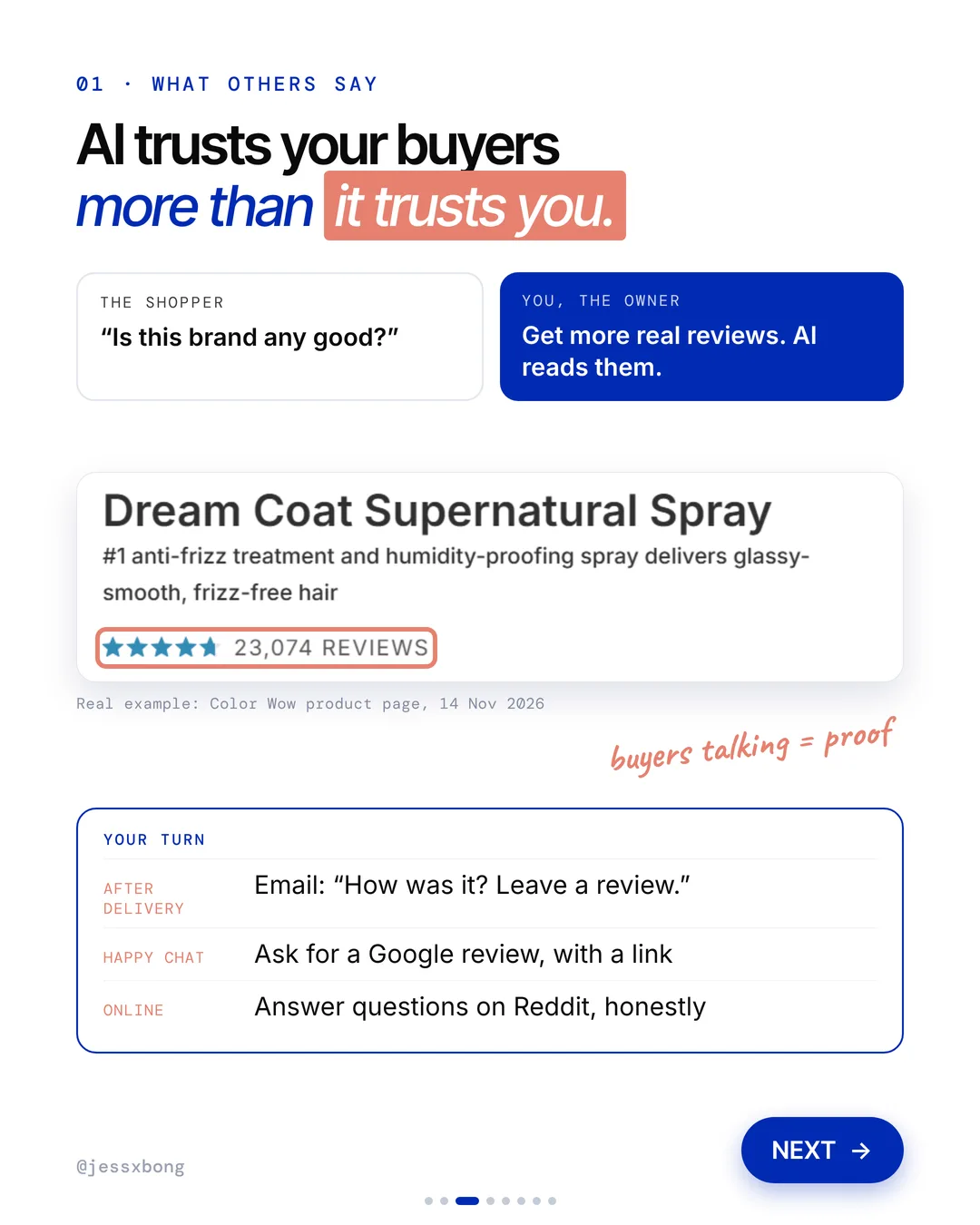
AI reads what other people say about you. Reviews, Reddit and YouTube. It trusts your buyers more than it trusts you. One real example: a Color Wow product page shows 23,074 reviews.
Reviews work best when they are real and specific. A review that says "Fit my jacket and arrived in a week" tells the next buyer much more than "Great!"
Shopify also has Shop product reviews. Only customers who bought from you can leave one, with 1 to 5 stars and an optional comment. Shopify's guide says you may ask for reviews, but you cannot pay or reward people for them.
Why it works
"Is this brand any good?" They want to hear it from other buyers, not from you.
Get more real reviews. AI reads them. Buyers talking is proof.
Your turn
- After delivery: email "How was it? Leave a review."
- After a happy chat: ask for a Google review, with a link
- Online: answer questions on Reddit, honestly
How to do it on Shopify
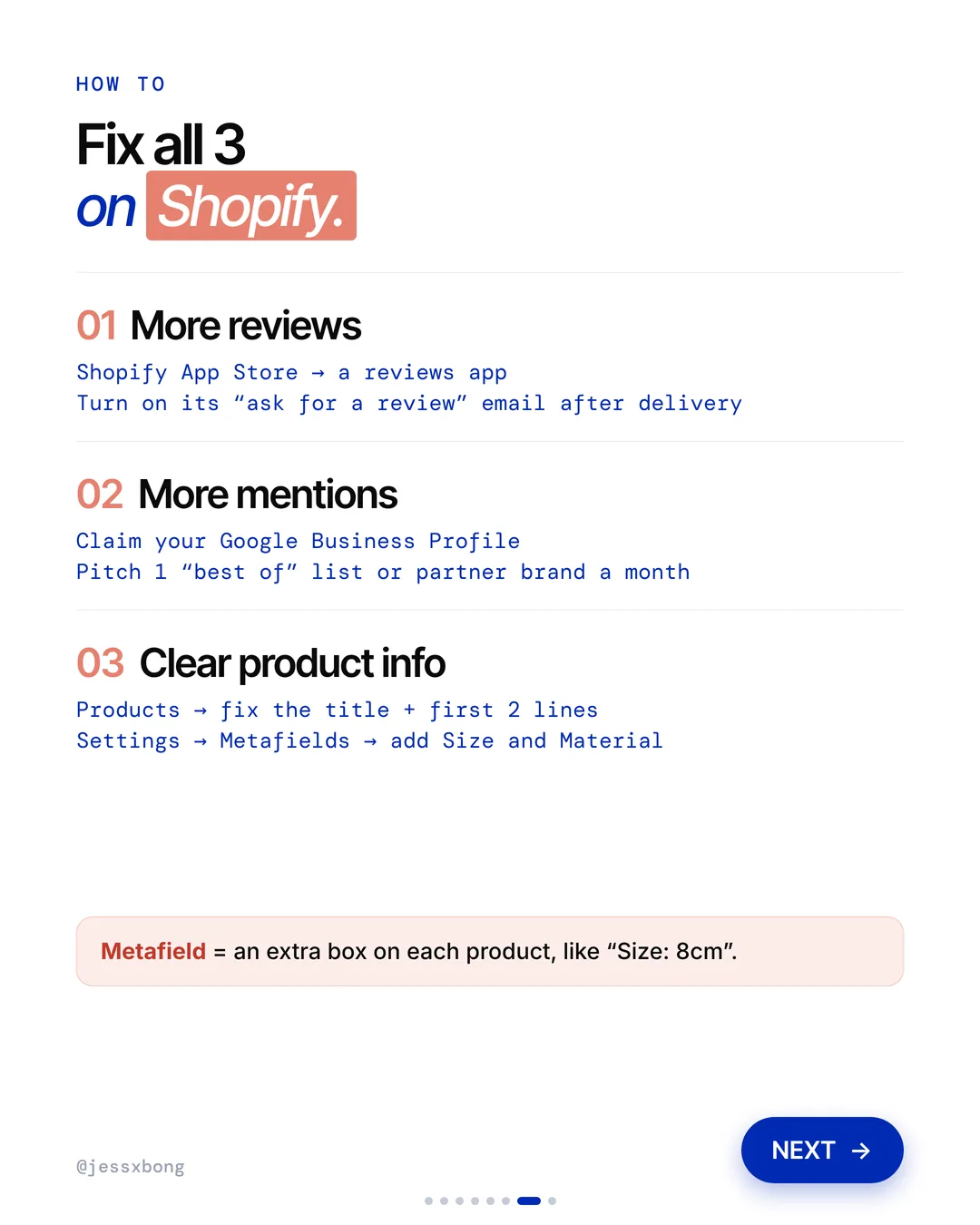
- Open the Shopify App Store and add a reviews app.
- Turn on its "ask for a review" email after delivery.
Mistakes to avoid
- Offering a discount in exchange for a review.
- Asking for a review before the order has even arrived.
- Only replying to good reviews and ignoring the bad ones.
How to tell it is working. Check your reviews app's own report for how many review emails go out and how many reviews come back. Watch that number grow each month.
Free checklist
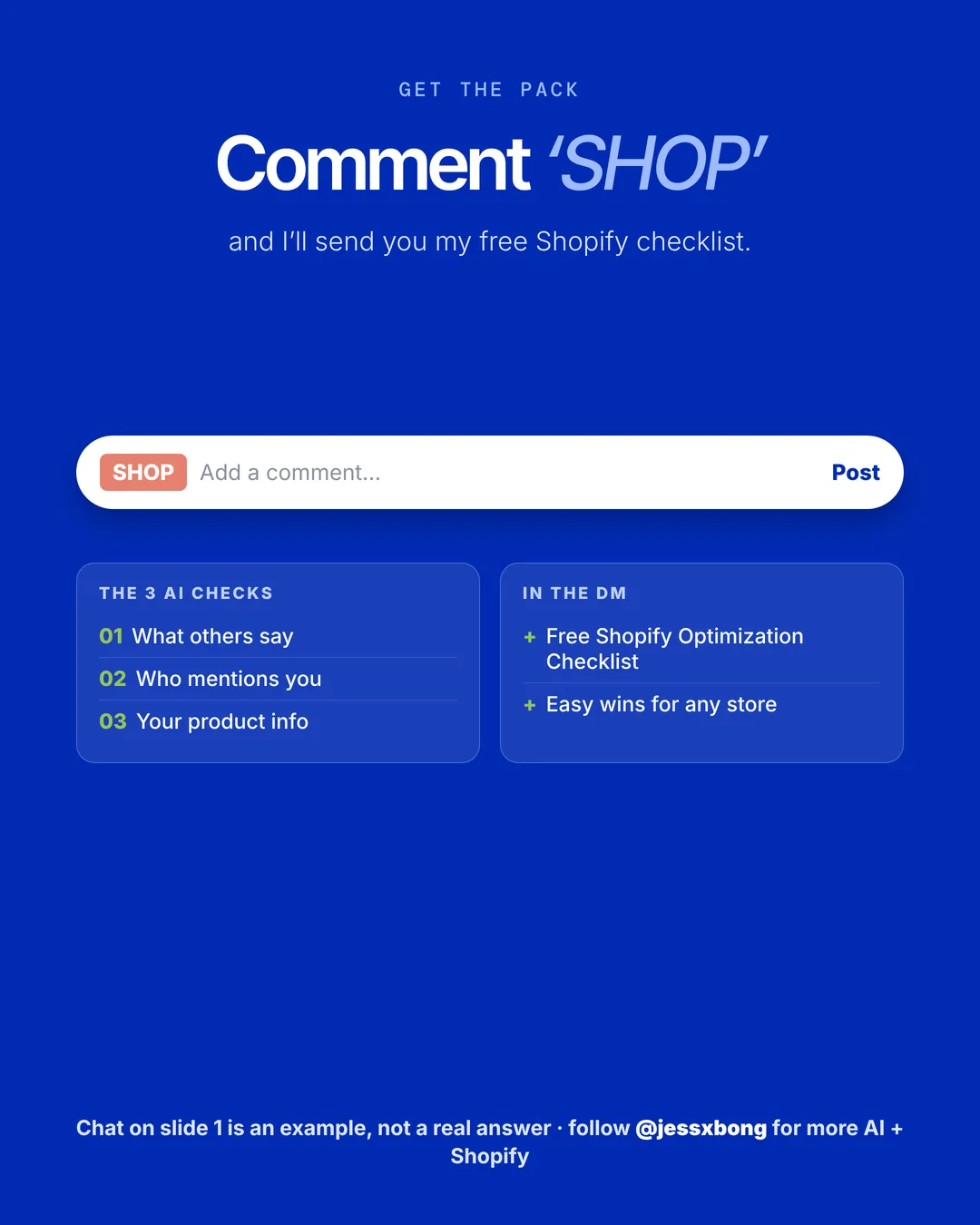
Get the free Shopify Optimization Checklist
The same checklist people get on Instagram when they comment SHOP. Go through your homepage, product pages, checkout and more, one tick at a time. No developer needed.
02 · AI recommendations
Who mentions you
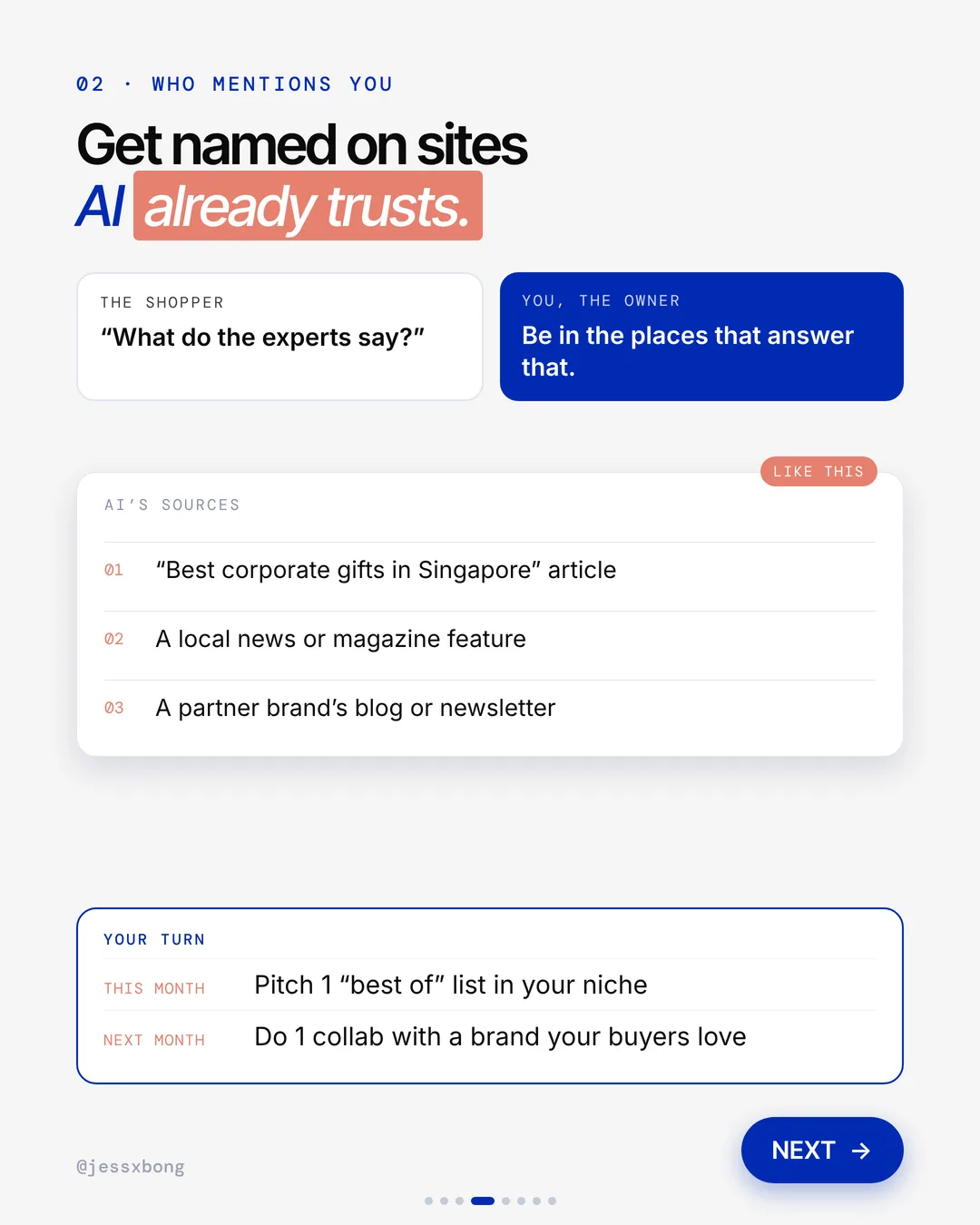
AI looks at trusted sites and press. Think of a "Best corporate gifts in Singapore" article, a local news or magazine feature, or a partner brand's blog or newsletter.
Shopify's SEO guide covers the same idea. Links from trusted sites tell search engines your store is worth showing. It also suggests setting up your Google Business Profile so you show up in local search.
Tip: start small and local. A Singapore gift guide or a partner brand's newsletter is easier to get into than a big magazine.
Why it works
"What do the experts say?" They trust lists and articles they already know.
Be in the places that answer that. Get named where AI already looks.
Your turn
- This month: pitch 1 "best of" list in your niche
- Next month: do 1 collab with a brand your buyers love
How to do it on Shopify
- Claim your Google Business Profile.
- Pitch 1 "best of" list or partner brand a month.
Mistakes to avoid
- Paying for links on spammy sites.
- Pitching every list at once with the same copy and paste email.
- Never following up after the first pitch.
How to tell it is working. Keep a list of every site that mentions you. In Analytics, look at sessions by referrer to see which ones send you visitors.
03 · AI recommendations
Your product info
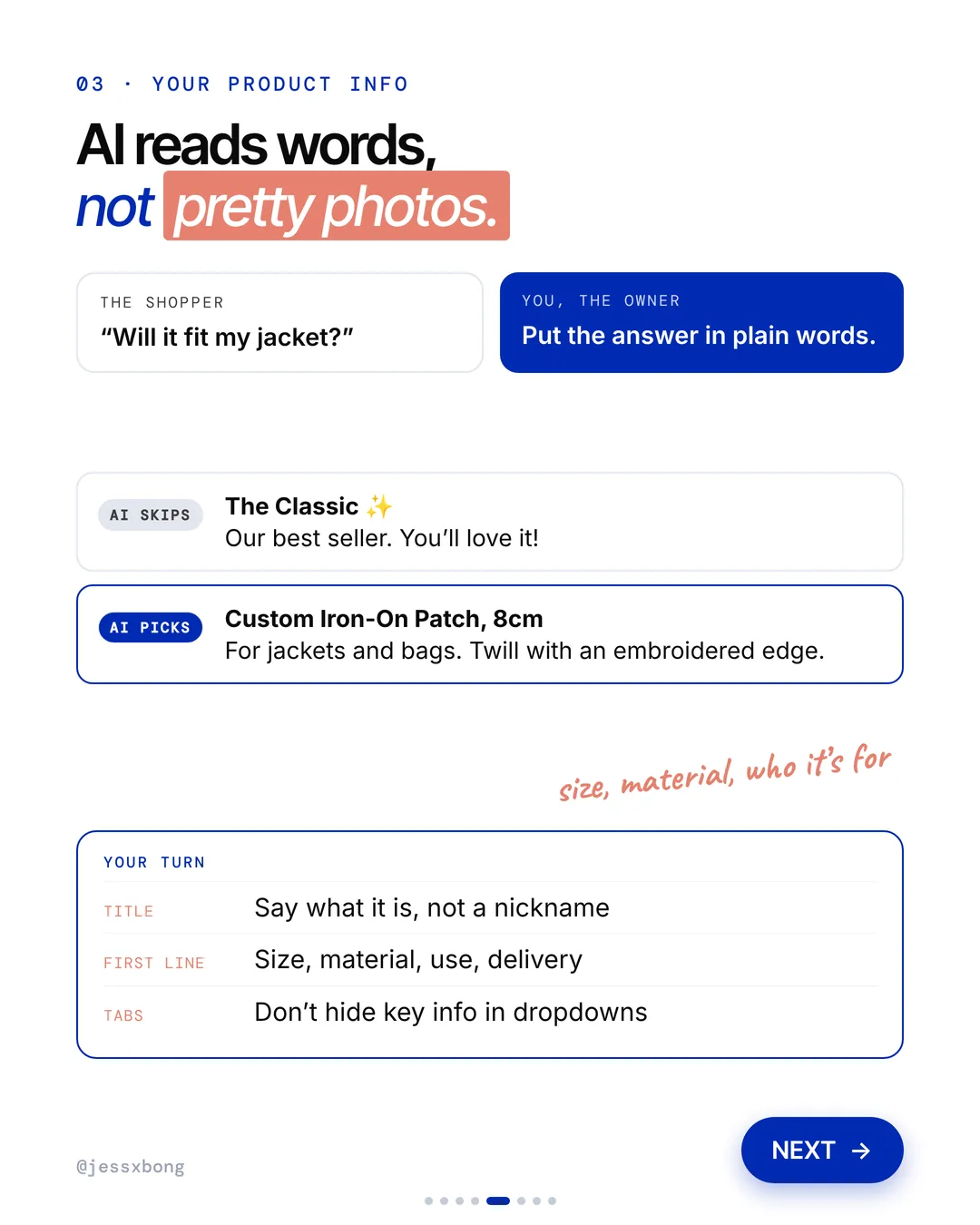
AI reads words, not pretty photos. It skips a title like "The Classic, our best seller". It picks a title like "Custom Iron-On Patch, 8cm", with "For jackets and bags. Twill with an embroidered edge."
A metafield is an extra box of info on each product, like size or material. Once you set it up, you fill it in the same way on every product.
Tip: write the first line of your description like an answer. Say what it is, its size, what it is made of, who it is for and how long delivery takes. Then the key facts are there in plain words, not hidden in a tab.
Why it works
"Will it fit my jacket?" They want the answer right there, in plain words.
Put the answer in plain words. Not hidden in dropdowns.
Your turn
- Title: say what it is, not a nickname
- First line: size, material, use, delivery
- Tabs: don't hide key info in dropdowns
How to do it on Shopify
- Go to Products and fix the title and the first 2 lines.
- Go to Settings, then Metafields, and add Size and Material.
- A metafield is an extra box on each product, like "Size: 8cm".
Mistakes to avoid
- Using fun nicknames as product titles.
- Putting size and material only in a photo or a closed dropdown.
- Filling in metafields on some products and not others.
How to tell it is working. In Analytics, look at sessions by referrer and check for visits from AI tools like chatgpt.com. Also try the 2 questions again each month and see if your name shows up.
Do this this week
- Ask ChatGPT the 2 questions and write down what it says.
- Add a reviews app and turn on its ask for a review email.
- Claim your Google Business Profile.
- Rewrite the title and first line of your best-selling product.
- Add Size and Material metafields to your products.
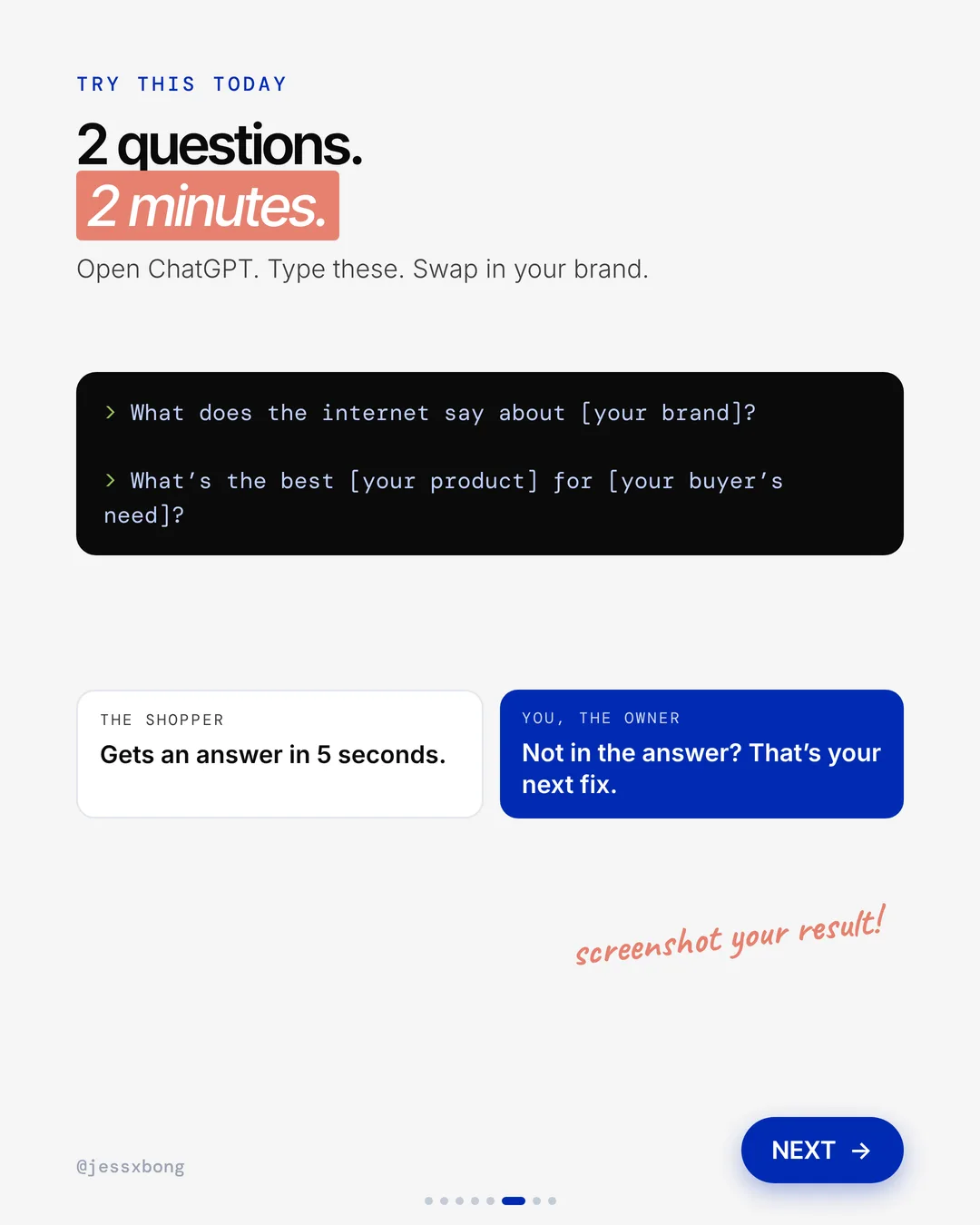
Try this today. Ask ChatGPT "What does the internet say about [your brand]?" and "What's the best [your product] for [your buyer's need]?" Not in the answer? That's your next fix.
Questions
How do I get my brand recommended by ChatGPT?
AI checks 3 things before it picks a brand. What others say about you, like reviews, Reddit and YouTube. Who mentions you, like "best of" lists and local press. And clear product info it can read.
How do I check if ChatGPT knows my brand?
Open ChatGPT and ask "What does the internet say about [your brand]?" and "What's the best [your product] for [your buyer's need]?" Not in the answer? That's your next fix.
Can I make my Shopify product info easier for AI to read?
Yes. Fix the product title and first 2 lines so they say size, material and who it's for. Then go to Settings, then Metafields, and add Size and Material.
What is a metafield on Shopify?
A metafield is an extra box of info on a product, like "Size: 8cm" or "Material: twill". You set it up once in Settings, then fill it in on each product.
How often should I check what ChatGPT says about my brand?
Once a month is a good habit. Ask the same 2 questions each time and write down the answers. Then you can see if your fixes are working.