
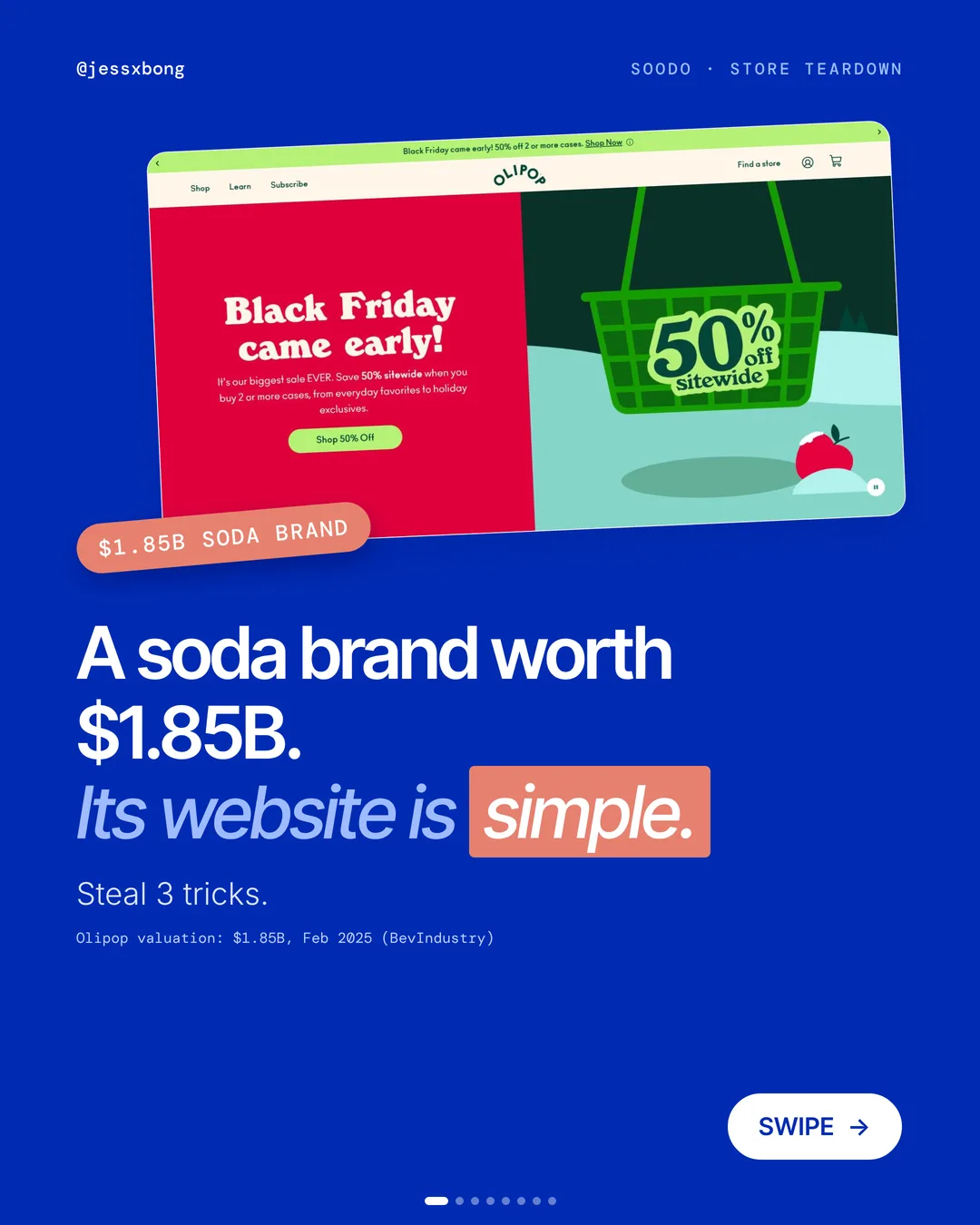
Olipop is a soda brand worth $1.85B. Its Shopify store is not complicated.
That is the lesson. The website is simple, but every part of it helps people buy.
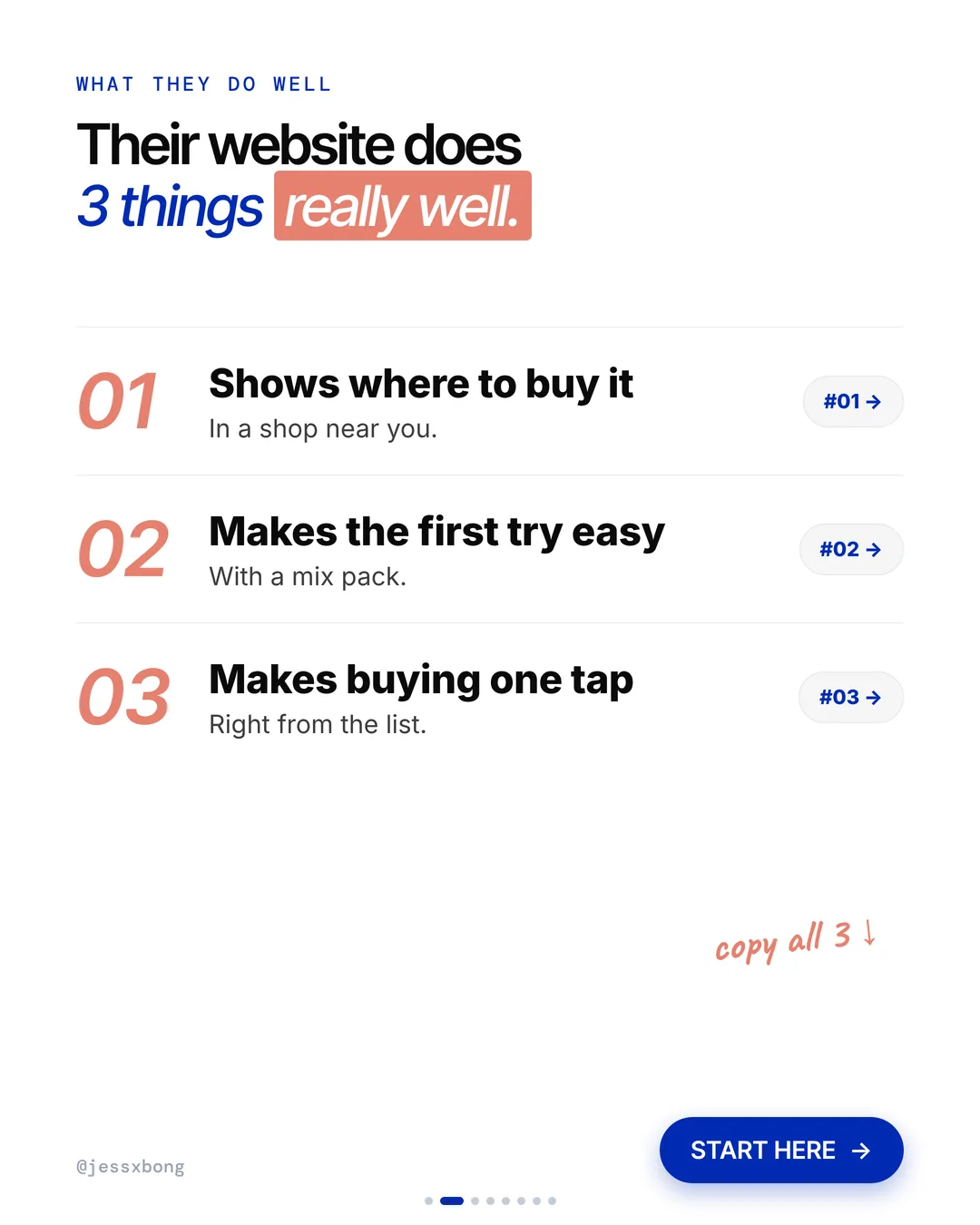
Here are the 3 things it does really well, why they work, and how to copy them on your own Shopify store.
What they do well
- 01Shows where to buy it"Find in Store" sits right next to Add to Cart.
- 02Makes the first try easy"Can't pick just one?" leads to a mix pack.
- 03Makes buying one tap"Add 12 Pack" right on the product list.
01 · Olipop
Shows where to buy it
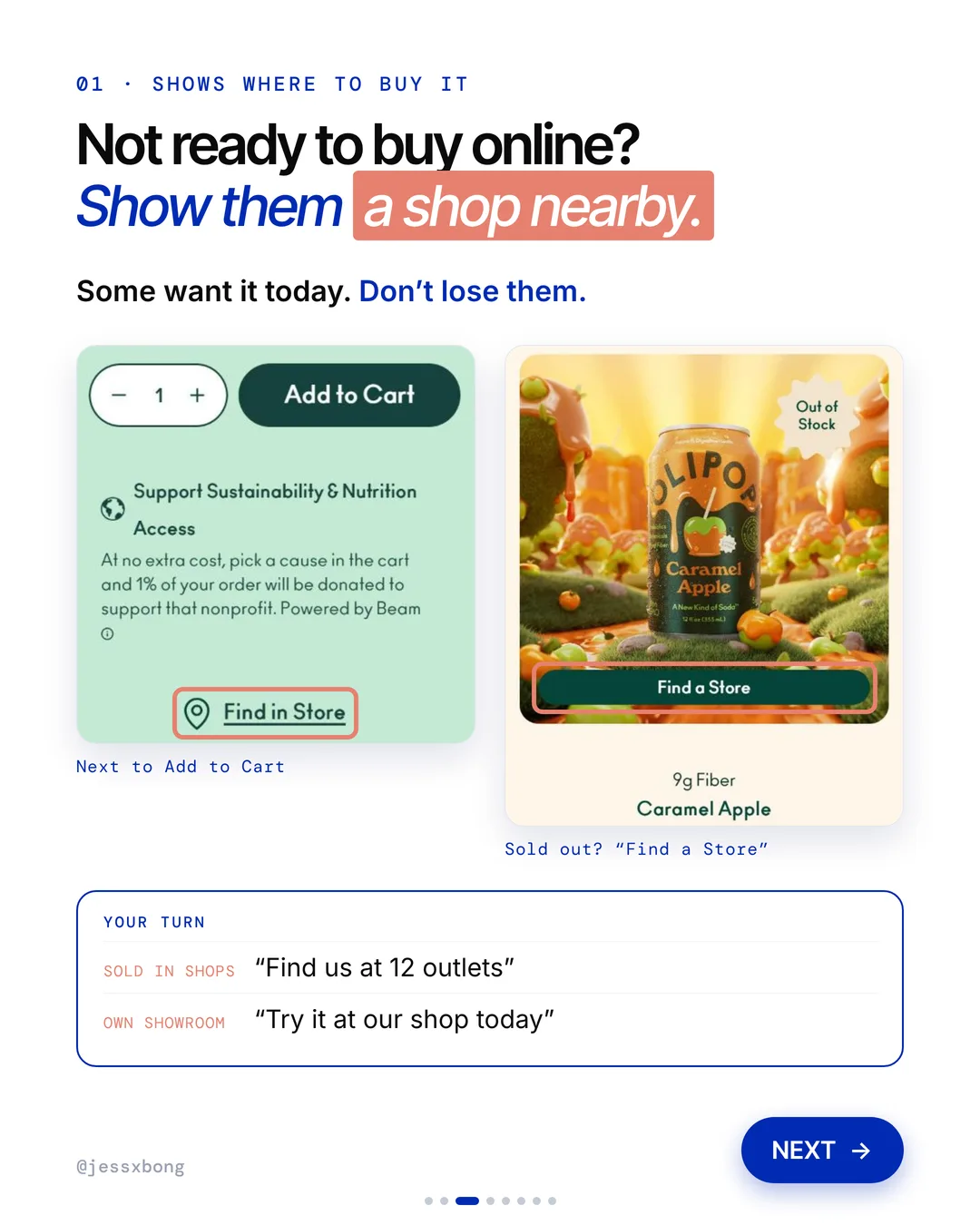
On the product page, a "Find in Store" link sits right next to Add to Cart. If a flavour is sold out online, the button says "Find a Store" instead. No dead ends.
On the Crisp Apple product page, three things sit together: Add to Cart, Find in Store and a "Can't pick just one?" link to the variety packs. Olipop's FAQ says it is sold in over 67,000 shops in the US. So for many shoppers, a shop nearby really is the easiest way to get it.
The store locator asks you to pick a flavour first. Then it shows where that flavour is sold. That detail matters, because not every shop has every flavour. If you list your outlets, say which products each one carries.
Why it works
"I want it today." Some people are not ready to buy online. Now they know where to get it nearby.
You don't lose the shopper who wants it now. The sale still happens, just in a shop.
Your turn
- Sold in shops: "Find us at 12 outlets"
- Own showroom: "Try it at our shop today"
How to do it on Shopify
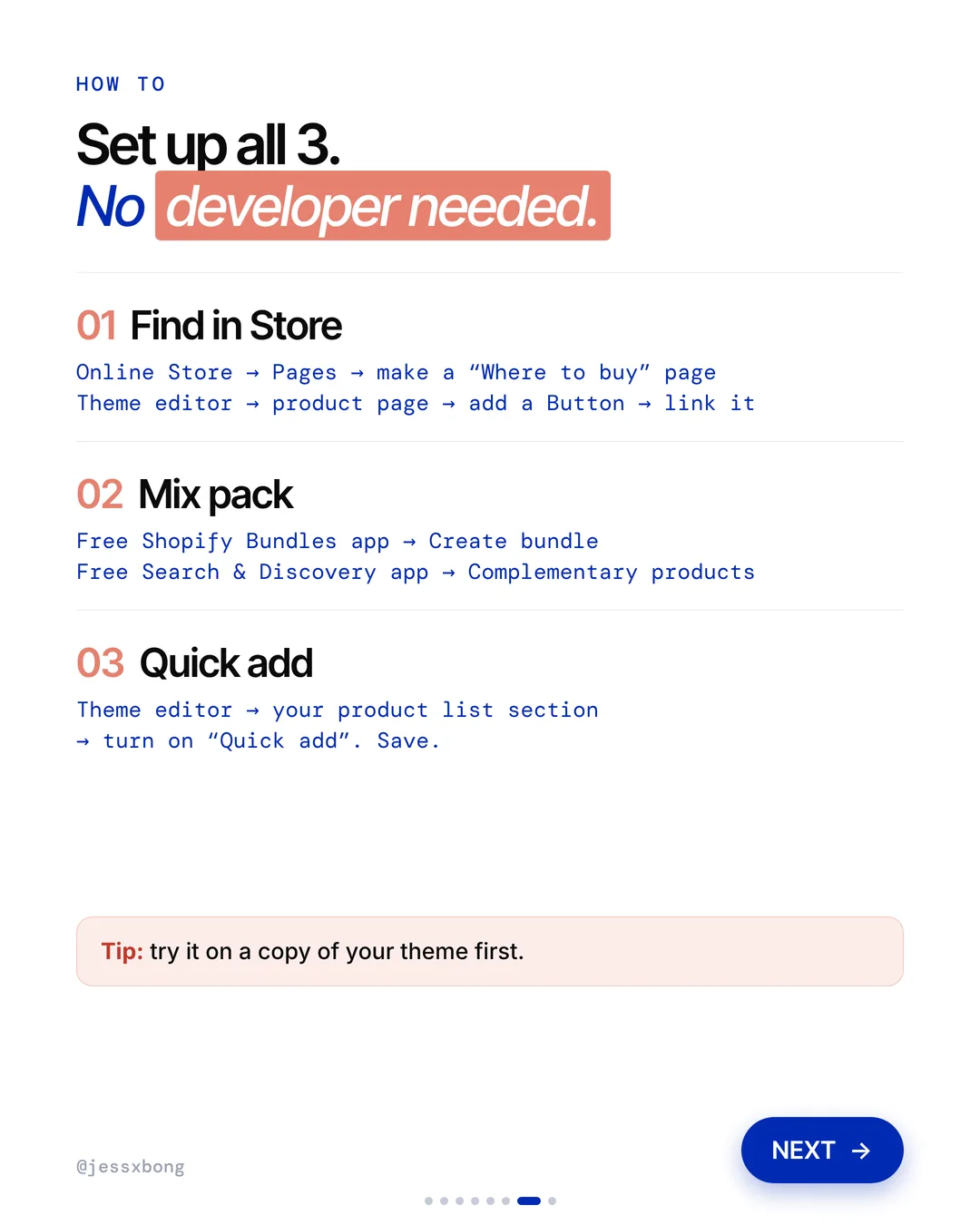
- Go to Online Store, then Pages, and make a "Where to buy" page.
- List the shops that sell your product.
- Open the theme editor and go to your product page.
- Add a Button and link it to your "Where to buy" page.
Mistakes to avoid
- Hiding the "Where to buy" page in the footer, where nobody on the product page will see it.
- Letting the list go out of date, so shoppers go to a shop that no longer sells you.
- Sending people to a shop for a product that shop does not carry.
How to tell it is working. In Analytics, check how many visits your "Where to buy" page gets each week. If you have your own shop and use Shopify POS, watch whether shop sales go up after you add the button.
Free checklist
Get the free Shopify Optimization Checklist
The same checklist people get on Instagram when they comment SHOP. Go through your homepage, product pages, checkout and more, one tick at a time. No developer needed.
02 · Olipop
Makes the first try easy
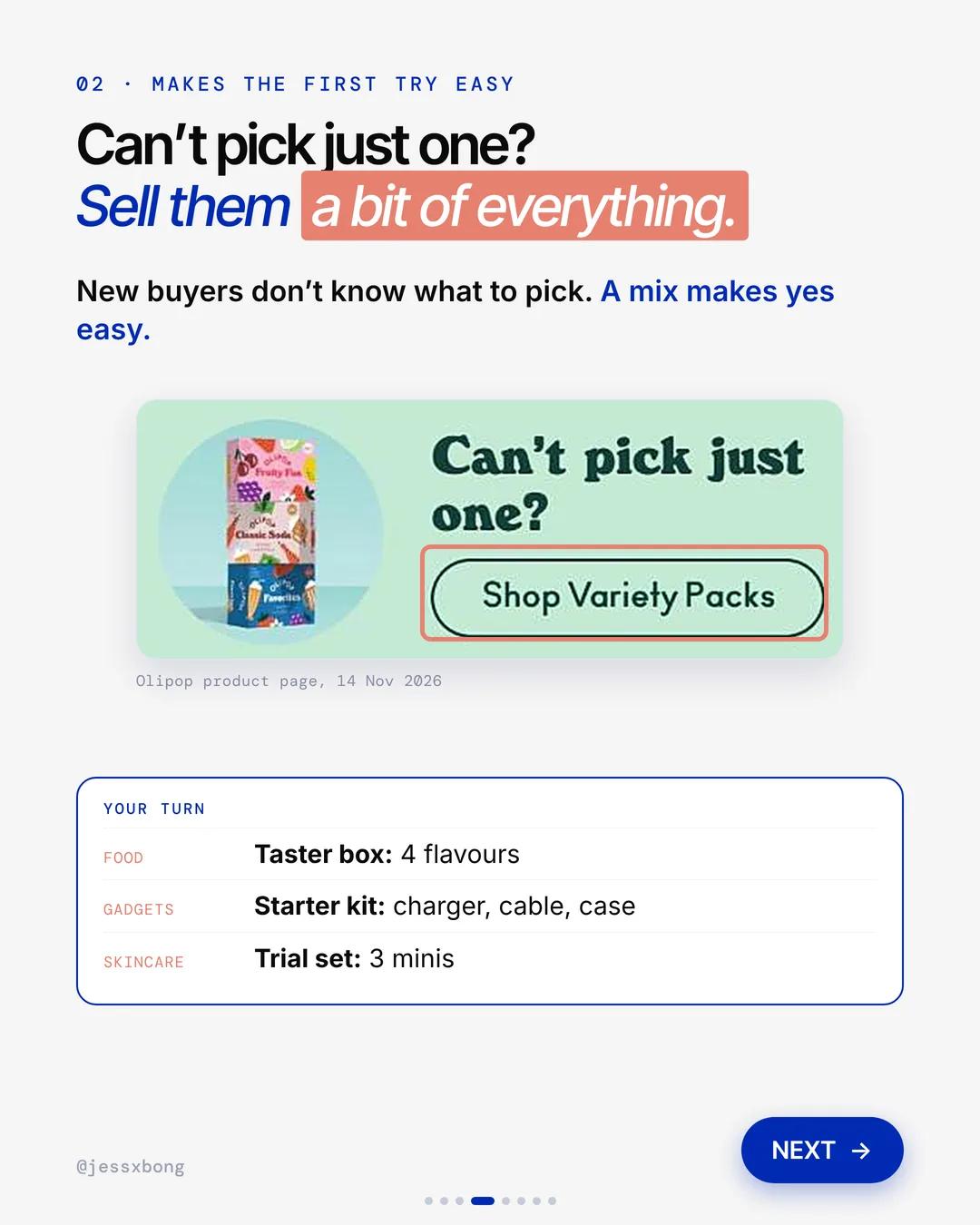
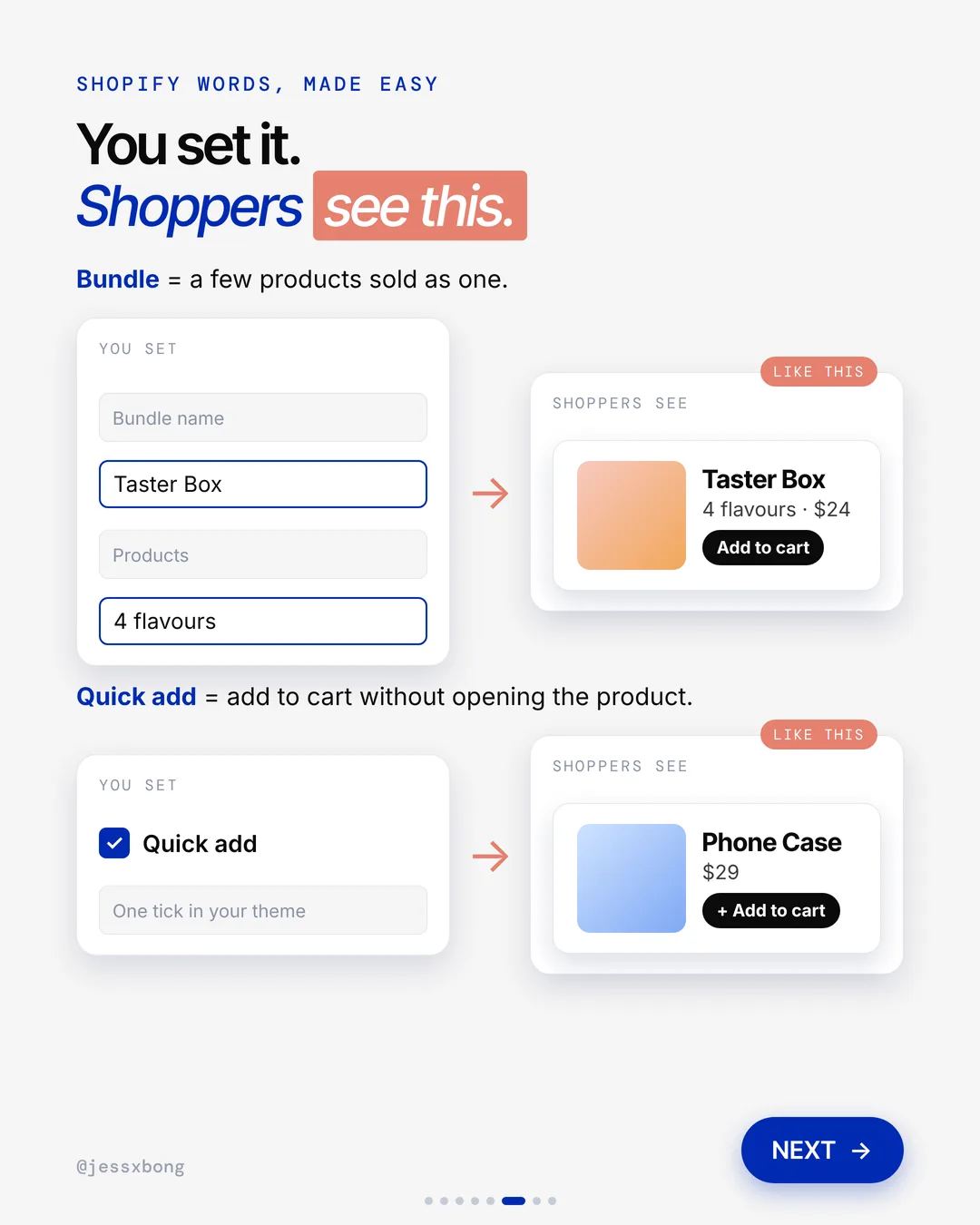
Olipop asks "Can't pick just one?" and shows a "Shop Variety Packs" button. A variety pack lets you try a bit of everything.
Olipop has three variety packs: Classic Soda, Fruity Fun and Favorites. The page calls them a flavour tour, an easy way to find your favourites. Each one is a 12 pack, so a new buyer tries a few flavours in one go.
Its FAQ even tells new buyers to order a variety pack first. Its 45-day money-back promise only covers your first try at a new flavour. Both nudge people to start with the mix, then come back for a full pack of the one they love.
Why it works
"Which one should I get?" New buyers don't know what to pick. A mix means they don't have to choose.
A mix makes yes easy. More first orders, and the buyer finds a favourite to come back for.
Your turn
- Food: a taster box with 4 flavours
- Gadgets: a starter kit with charger, cable and case
- Skincare: a trial set of 3 minis
How to do it on Shopify
- Add the free Shopify Bundles app.
- Create a bundle. A bundle is a few products sold as one, like a Taster Box with 4 flavours.
- Add the free Search & Discovery app.
- Set the bundle as one of the Complementary products, so it shows next to single items.
Mistakes to avoid
- Filling the mix pack with slow sellers, so the first taste is not your best.
- Pricing the mix pack higher than buying the items one by one, with no reason.
- Showing the mix pack only on its own page, not next to single products where new buyers look.
How to tell it is working. Check Sales by product in Analytics to see how many mix packs sell each week. Then watch your returning customer rate to see if more first-time buyers come back.
03 · Olipop
Makes buying one tap
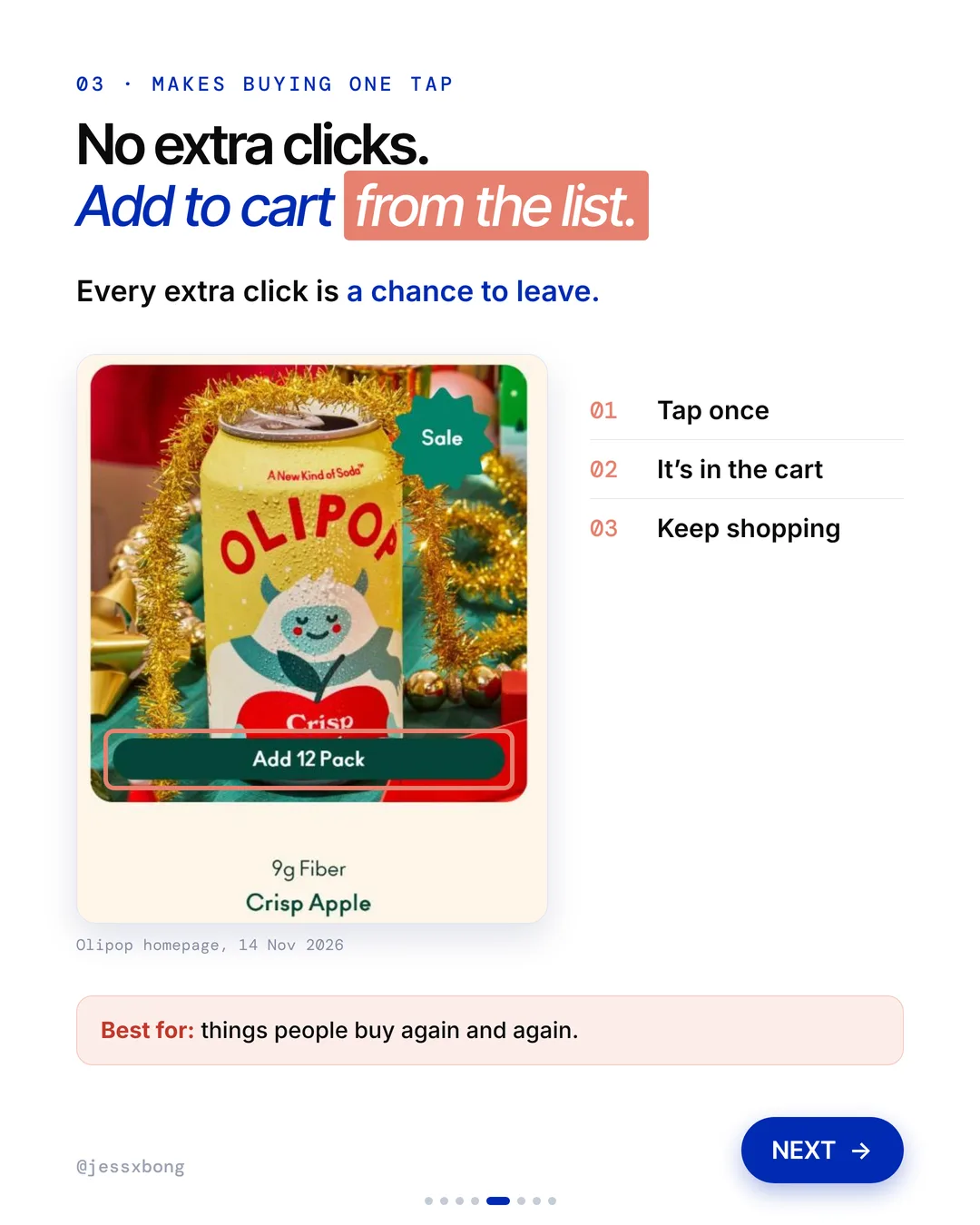
On the Olipop homepage, each can has an "Add 12 Pack" button right on the product list. Tap once, it's in the cart, and you keep shopping.
Every can on Olipop's lists has an "Add 12 Pack" button. You see it on the homepage, on the flavours page and on the variety packs page. The pack size is already chosen, so one tap is all it takes.
This works best when there is one main way to buy. In many Shopify themes, if a product has lots of sizes or colours, Quick add opens a small box to choose first. That is still faster than a full product page, but keep the choices few.
Why it works
"Easy, done." No need to open the product page. The shopper stays on the list and keeps going.
Every extra click is a chance to leave. Fewer clicks means more people finish their order.
Your turn
- Best for things people buy again and again
How to do it on Shopify
- Open the theme editor.
- Click your product list section.
- Turn on "Quick add". Quick add means add to cart without opening the product.
- Save. Tip: try it on a copy of your theme first.
Mistakes to avoid
- Turning on Quick add for products that need a close look or a size guide before people buy.
- Not showing that the item went in the cart, so shoppers tap again and get two.
- Never testing Quick add on a phone.
How to tell it is working. Compare the weeks before and after you turn it on. Analytics shows how many sessions added to cart and how many reached checkout, plus your conversion rate.
Do this this week
- Make a "Where to buy" page that lists every place that sells you.
- Add a button to that page on your product page, right under Add to Cart.
- Build one mix pack of your 3 or 4 best sellers with the free Shopify Bundles app.
- Turn on Quick add in your product list section, on a copy of your theme first.
- Write down your average order value and conversion rate today, so you can compare in a month.
Show people where to buy, make the first try easy, and cut the clicks. Simple wins.
Questions
What does Olipop's website do well?
Three things. It shows a "Find in Store" link next to Add to Cart, it offers variety packs for people who can't pick just one, and it has an "Add 12 Pack" button right on the product list. (Seen on drinkolipop.com on 14 Nov 2026.)
How do I add a quick add button on Shopify?
Open the theme editor, click your product list section and turn on "Quick add". Save. Try it on a copy of your theme first.
Can I sell a mix pack or variety pack on Shopify?
Yes. Use the free Shopify Bundles app to create a bundle of a few products sold as one. No developer needed.
Does Olipop use Shopify?
Yes. drinkolipop.com runs on Shopify. We checked the page code on 16 Nov 2026.
How do I add a "Where to buy" page on Shopify?
Go to Online Store, then Pages, and add a page that lists the shops that sell you. Then link to it from your product page with a Button block in the theme editor, and from your menu in Online Store, then Navigation.