


Shopify Gift Cards Setup for Singapore Stores
You set up Shopify gift cards by creating a gift card product in your admin, choosing the denominations, checking the gift card email and testing a purchase and redemption. It takes an afternoon. The harder part for a Singapore store is getting the terms right: expiry, refunds and GST. This guide covers both, and adds pre-orders, because many owners set up the two together before a launch or festive season.
We are Soodo, a founder-led Shopify agency in Singapore. We build, revamp and migrate Shopify stores for brands in Singapore and Southeast Asia.
Key takeaways
- Gift cards are created from your Shopify admin as a product, then sold like any other item.
- Customers redeem a gift card by typing its unique code in the field at checkout.
- Write your expiry and refund terms clearly. Shopify’s terms and Singapore’s Consumer Protection (Fair Trading) Act both expect honest, visible conditions.
- Pre-orders need a pre-order app. Shopify does not show pre-order information at checkout without one.
- If your store needs more than a basic setup, a fixed-price Shopify Revamp starts from SGD 3,000.
Table of Contents
- How do you set up gift cards on Shopify?
- Should you sell digital or physical gift cards?
- What Singapore rules apply to gift cards?
- How do you promote gift cards without discounting?
- How do you set up pre-orders on Shopify?
- Our view: what we see on Singapore stores
- Can Soodo set this up for your store?
- What mistakes should you avoid?
- FAQ
- Sources
How do you set up gift cards on Shopify?
Start in your Shopify admin. Shopify’s own guide confirms you can activate gift cards and create gift card products directly from the admin. Here is the order we follow on client stores.
- Create the gift card product. Add a gift card product from the admin. Give it a clear title, such as “Gift Card”, and an image that fits your brand.
- Set the denominations. Offer a small set of values. Many shops start with three or four steps, then watch what customers choose. Set amounts in Singapore dollars so shoppers see the price they will pay.
- Write the description. Say how the card is delivered, where it can be used and when it expires. Keep it short and plain.
- Check the gift card email. The recipient gets an email with the code. Read it on your phone, since most gift recipients open it there. Make sure your store name, logo and support contact are right.
- Publish to your sales channels. Make the product visible on the online store, and add it to your navigation or footer so it is easy to find.
- Run a test. Buy a card, then redeem it on a second order. Do this before you announce anything.
Most owners stop at step 5. Step 6 is where problems show up, such as a wrong sender name or a card that does not apply to a discounted cart.
What should the gift card email say?
The email is the product the recipient actually sees. It should carry the code, the value, your store name and a clear button back to your shop. Add a line on expiry and a support email or WhatsApp number.
If a customer says the email never arrived, you do not need to refund anything. You can resend the gift card email from the specific gift card’s page in your admin. Check the spam folder first, and confirm the recipient address was typed correctly.
How do customers redeem a gift card?
Customers enter the unique code in the gift card field at checkout. Say this on the product page and in the email. A short line such as “Enter your code at checkout, below the discount code box” prevents most support messages.
If the card does not cover the whole order, the customer pays the balance with another method. That is worth stating too, because first-time users often assume the card must match the cart exactly.
Should you sell digital or physical gift cards?
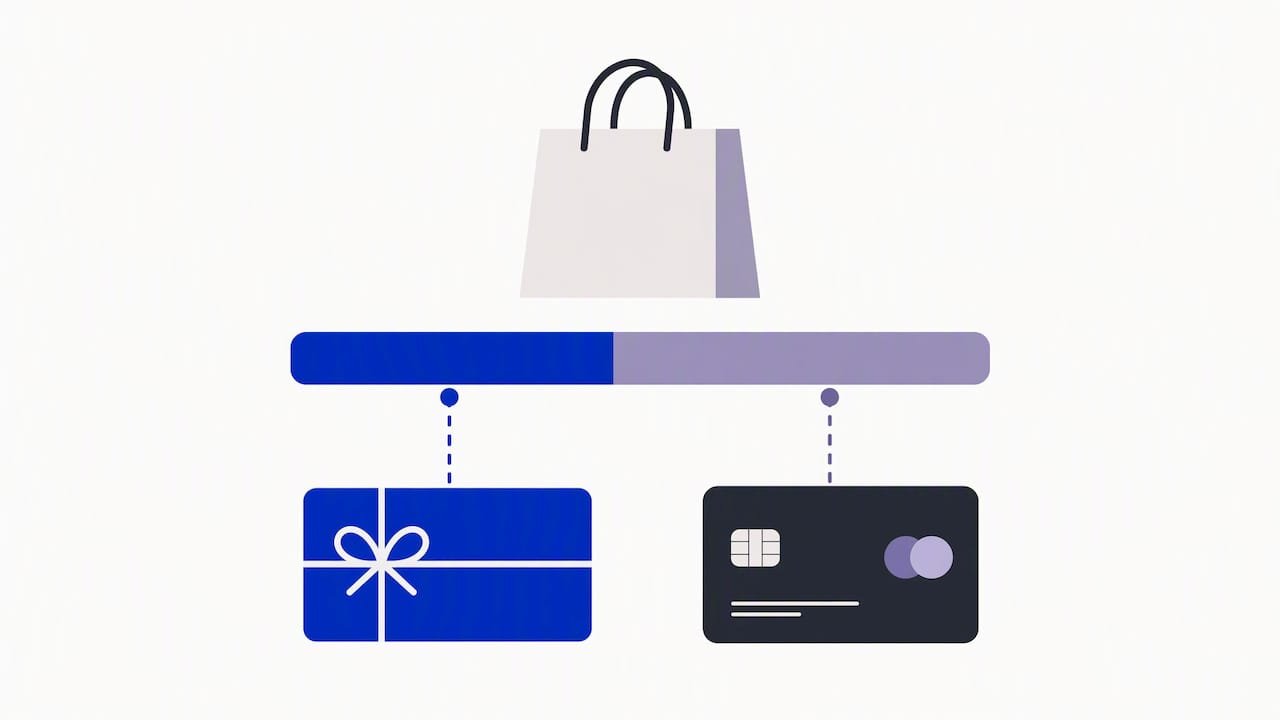
Online, a gift card product produces a digital card when you fulfil the order. Shopify’s POS guide notes that an online order for a gift card product gives a digital card, not a pre-printed one. Pre-printed physical cards are issued through Shopify POS.
| Format | Best for | How it is sold | What to watch |
|---|---|---|---|
| Digital | Online-only brands, last-minute gifting | Gift card product on your online store | Clear email, easy resend process |
| Physical | Brands with a shop, pop-up or market stall | Shopify POS, scanned at the counter | You must enable the setting in the POS editor first |
If you run a shop in Singapore as well as an online store, you can offer both. The POS setting lets you choose to issue digital only, or digital and physical. Plan this before you order printed cards, so the codes work with your system.
What Singapore rules apply to gift cards?
This is the part generic tutorials skip. We are not lawyers, so treat this as a checklist of things to read and, where you are unsure, confirm with your accountant or a legal adviser.
Expiry and fees
Shopify’s Singapore terms require gift cards to state an applicable expiry date, or say that the funds never expire. The same terms prohibit cash redemption and fees that reduce the card’s value. So decide your policy, then show it in three places: the product page, the gift card email and your terms page.
A simple, customer-friendly choice is a long validity period, stated clearly. Shorter windows make cards feel like a trap, and they invite complaints.
Refunds and store credit
The same Shopify terms require clear disclosure when you issue store credit instead of a refund. If your policy is that gift cards are non-refundable, say so before purchase, not after. Our guide to a Shopify return policy for Singapore stores shows how to word this so you reduce chargebacks.
Fair trading law
Singapore’s Consumer Protection (Fair Trading) Act includes vouchers within “goods” and defines a voucher as a document giving its holder the right to obtain goods or services, or to obtain them at a discount. The Act also bars misleading statements about a transaction’s rights, remedies or obligations. It lists as unfair practices misrepresenting voucher benefits and hiding material facts in small print.
In plain terms, do not bury conditions. If a card cannot be used on sale items, or only works online, put that in the main description in normal-sized text.
GST on gift cards
IRAS has guidance on this in its GST Guide for Retailers. Where redemption of a sold voucher can be tracked, GST is generally not accounted for at the time of sale if the voucher is sold at or below its stated value. GST is accounted for on the goods or services when the card is redeemed. If you are GST-registered, ask your accountant how this applies to your setup and how you will record redemptions.
Your own responsibilities
Shopify’s terms also make you responsible for complying with local laws on stored value, refunds and privacy, and for handling unclaimed amounts. Gift cards are a liability on your books until they are used. Keep a simple monthly record of cards sold and cards redeemed.
How do you promote gift cards without discounting?
Gift cards bring in cash now and a visit later. They also bring new customers, because the recipient is often someone who has not shopped with you.
Here is what works for the Singapore calendar:
- Link from the homepage and cart. Put a gift card tile in your featured collection before Mother’s Day, Christmas, Lunar New Year and Deepavali.
- Add a short gifting page. A single page that explains how it works, the expiry and the delivery time.
- Mention it in post-purchase emails. Customers who just enjoyed an order are the most likely gift buyers.
- Keep the design on-brand. A plain, recognisable card builds more trust than a generic template.
Avoid giving away bonus value without thinking it through. A “spend SGD 100, get a bonus” offer changes how the card is treated, so check the terms and your accounting first.
How do you set up pre-orders on Shopify?
Pre-orders are a common companion to gift cards because both help you sell before stock is ready. The key point: Shopify requires a pre-order app to display pre-order information. Set up the app first. Then complete the extra steps in your admin, including choosing how the product’s purchase options show.
What to configure before you accept pre-orders
- Install and configure the app. Pick one that supports the payment style you want. Some let you take a partial deposit at checkout, with the remaining amount due later.
- Choose how the product sells. Decide whether it is available only through purchase options, or also as a normal one-time purchase.
- Set a shipping promise you can keep. Shopify’s guide says merchants must have a reasonable basis for the promised shipping time, or reasonably believe the product will ship within 30 days if no date is given.
- Write the pre-order message. State the expected dispatch window, whether payment is full or a deposit, and what happens if the date slips.
- Test the checkout. Place a pre-order and check the confirmation email, the order tag and the fulfilment flow.
Pre-order or gift card: which should you use?
Use a pre-order when you have a specific product that is not in stock yet. Use a gift card when the customer wants to buy value for someone else, or when you want cash flow without a product ready. Some brands use both: a gift card for gifting season and a pre-order for a new launch.
Pre-orders carry more promise risk. A customer who paid for stock expects a date. Keep your dates honest and email early if anything changes.
Our view: what we see on Singapore stores
We are a small team on purpose. Founder Jessica Bong leads strategy and a dedicated developer builds. Jessica has 10+ years in ecommerce and is a WSQ Shopify trainer at Equinet Academy. Soodo is a Shopify Partner with 30+ live stores.
We also run our own ecommerce brand, Patch&Bagel, and we test recommendations there before we suggest them to clients. Our view on gift cards comes down to three points.
First, treat a gift card as a product page that needs the same care as your bestseller. The card, the email and the checkout line are one journey, and any weak step costs you the sale.
Second, write your terms before you design the card. Expiry and refund wording shapes the whole page, and fixing it later means editing live emails and copy.
Third, do not stack too many apps. Gift cards are built into Shopify. Add an app only when you have a clear need, such as pre-orders. Each extra app can slow your pages, so check your site speed after you install one.
Every store we build is also set up for AI search (GEO), so your gift card and policy pages are written in clear, quotable language. Long-term GEO growth is handled through specialist partners, because we do not run a monthly GEO or SEO service.
— Soodo
Can Soodo set this up for your store?
Yes. Gift cards and pre-orders are usually part of a wider build or revamp, and we price those as fixed projects. Every project includes handover training and 6 months of post-launch fixes.
- A new Shopify store starts from SGD 8,500.
- A Shopify Revamp starts from SGD 3,000. It suits a store that already trades and needs better checkout, gifting and product pages.
- Migration to Shopify starts from SGD 6,000, for brands moving from WooCommerce or another platform.
If you are still choosing a platform setup, read our complete guide to setting up Shopify in Singapore. If you take cards by more than one method, see our notes on the best payment gateway for Shopify in Singapore.
What mistakes should you avoid?
These come up often on stores we review.
- No expiry wording at all. Shopify’s terms ask you to state expiry or say funds never expire. Silence is not a policy.
- Gift card page buried in the footer. If shoppers cannot find it in two clicks, you lose gifting sales.
- Unclear delivery. Say that the card is emailed, and when. Gift buyers often shop close to the occasion.
- Pre-order with no date. A vague promise creates support tickets. Set a window you can meet.
- Skipping the test order. Buy and redeem a card yourself, on mobile, before launch.
More of the common errors are in our post on Shopify mistakes Singaporean brands make.
FAQ
Do Shopify gift cards expire?
That is your decision, but you must be clear about it. Shopify’s Singapore terms require a card to state an expiry date or say that funds never expire. Show the same wording on the product page and in the email.
Can I resend a gift card email?
Yes. Open the specific gift card in your Shopify admin and resend the email to the original customer. Ask the buyer to check spam folders and confirm the recipient’s address first.
Can customers get cash for a gift card?
No. Shopify’s terms prohibit cash redemption of gift cards. State this in your terms so customers know before they buy.
Do I need an app to sell pre-orders?
Yes. Shopify’s guide says a pre-order app is required to display pre-order information at checkout. Install and configure the app first, then complete the extra steps in your admin.
Is GST charged when I sell a gift card?
IRAS guidance says that where redemption can be tracked, GST is generally not accounted for at sale when the voucher is sold at or below its stated value. GST applies on redemption. Confirm your own case with your accountant.
Sources
- Shopify Help Center: Creating and selling gift cards
- Shopify Help Center: Managing created gift cards
- Shopify Help Center: Redeeming and using gift cards
- Shopify Help Center: Gift cards on Shopify POS overview
- Shopify Singapore: Gift Card & Store Credit Service Terms
- Singapore Statutes Online: Consumer Protection (Fair Trading) Act 2003
- IRAS: GST Guide for Retailers
- Shopify Help Center: Setting up pre-orders
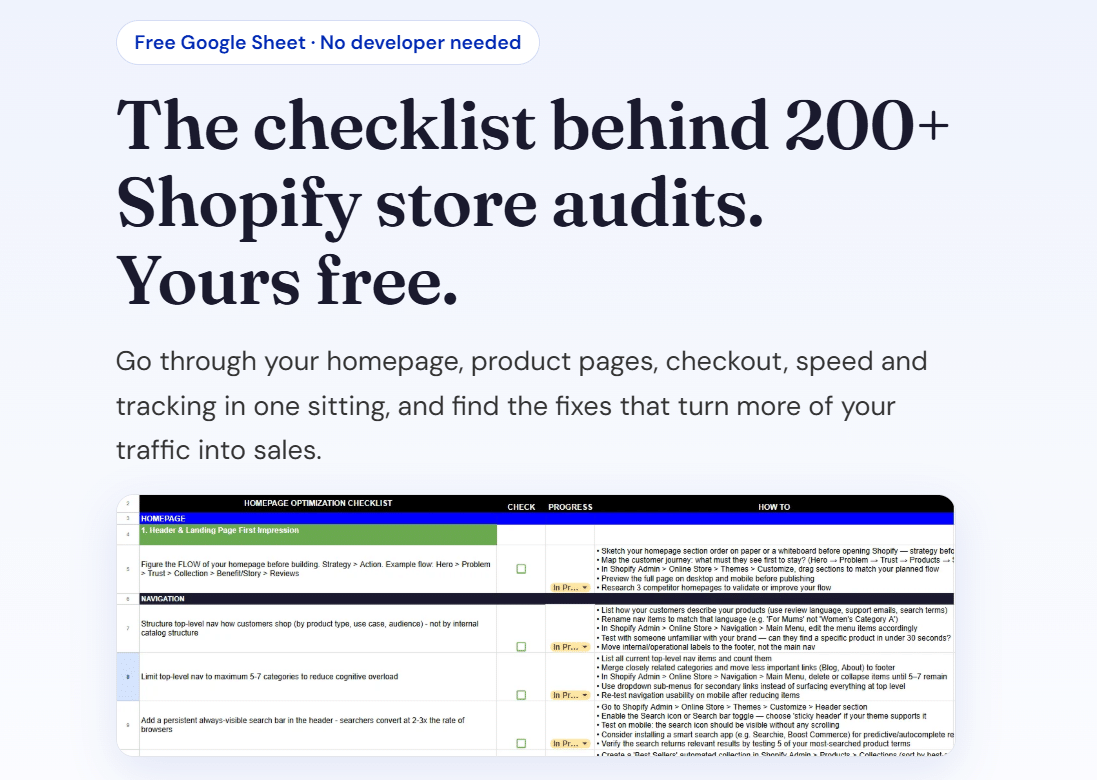
Want a quick review of your store first? Download our free Shopify optimisation checklist, or apply for a project slot.
Recommended

Jessica Bong
Jessica Bong is the founder of Soodo, a Singapore Shopify agency that builds, revamps and migrates Shopify stores, with every store set up to be found in AI search (GEO). She has spent over 10 years in ecommerce and runs her own Shopify brand, Patch&Bagel, where every Soodo technique is tested first. Jessica is also a WSQ-certified Shopify trainer at Equinet Academy.